The Dangerous Thing About CAPI Errors
Most Facebook Conversions API errors don't throw exceptions. They don't send you notifications. They don't show up as red warnings in your dashboard.
They just silently stop your conversion data from reaching Meta, and you don't notice until your CPAs spike, your audiences shrink, or you check Events Manager weeks later and see a flatline.
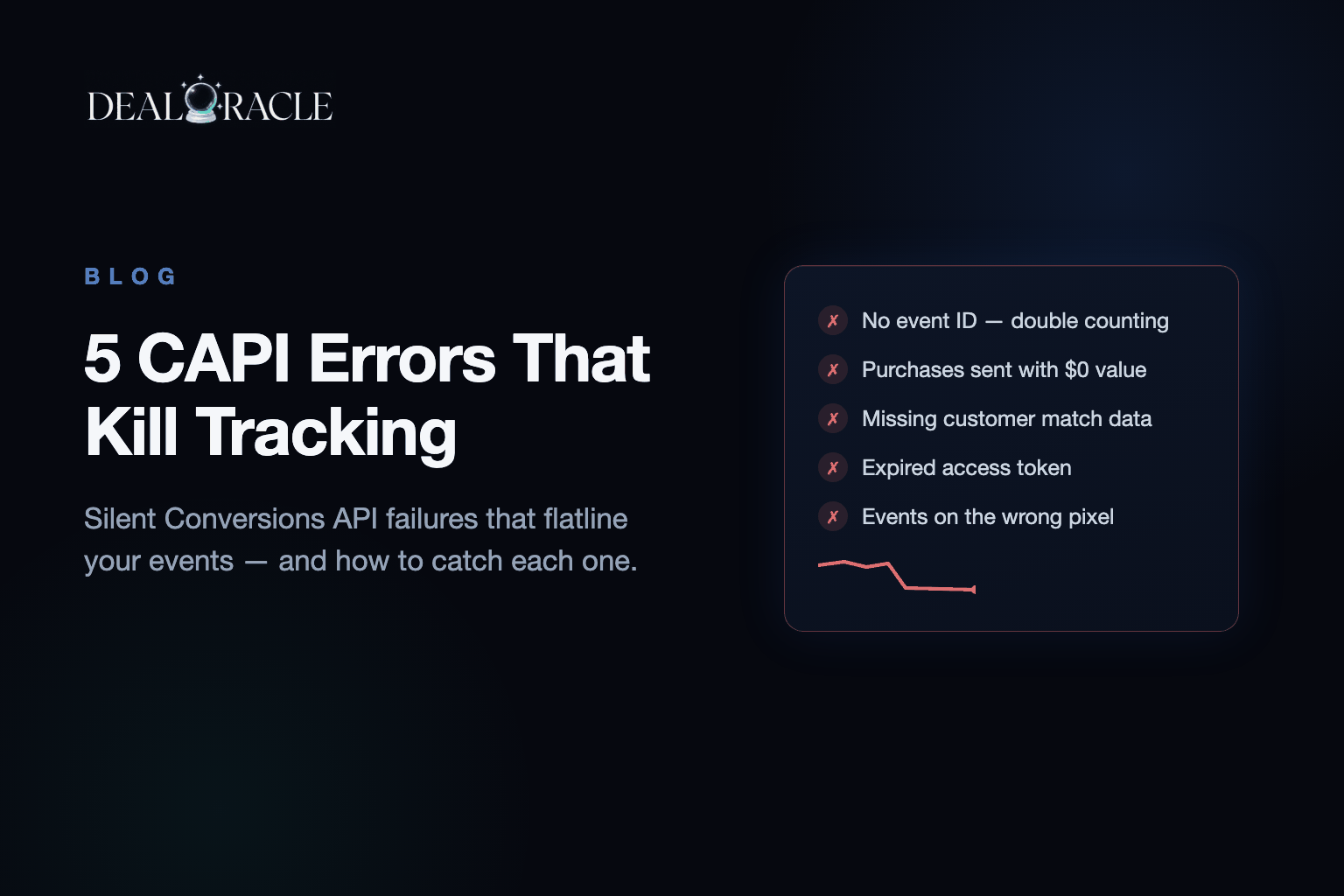
Here are the five most common silent CAPI failures we see, why they happen, and exactly how to fix each one.
1. Expired Access Token
The problem: Your CAPI access token has expired, and your server is sending conversion data into the void. Meta doesn't notify you when this happens, there's no email, no alert, nothing.
How it happens: Standard access tokens expire every 60-90 days. If you generated a token from your personal Facebook account during initial setup, it will quietly die a few months later. Even worse, if the team member whose account generated the token leaves the company or changes their password, the token can be invalidated immediately.
The symptoms:
- Sudden drop to zero server events in Events Manager
- Pixel events still show up, but CAPI events disappear
- EMQ score drops because you're back to pixel-only tracking
The fix:
- Use System User tokens, Go to Business Settings > System Users > create a system user > generate a token. These tokens don't expire when employees leave
- Set a calendar reminder, Even system user tokens should be audited quarterly
- Monitor event volume, Set up a weekly check in Events Manager for sudden drops
2. Case-Sensitive Event Names
The problem: Meta's standard event names are case-sensitive. If you send "purchase" instead of "Purchase", or "LEAD" instead of "Lead", Meta silently ignores the event or logs it as a custom event that doesn't trigger your conversion optimization.
How it happens: Developers often use lowercase or uppercase conventions in their code. A CRM webhook might send "lead_submitted" which gets mapped to "lead" instead of "Lead". The event technically sends successfully, you get a 200 response, but Meta doesn't recognize it as a standard event.
The symptoms:
- Events appear in Events Manager under "Custom Events" instead of standard event types
- Conversion optimization stops working for those events
- Your standard event count drops while custom event count grows
The fix:
Use Meta's exact standard event names:
Lead(not "lead" or "LEAD")Purchase(not "purchase" or "PURCHASE")CompleteRegistration(not "complete_registration")Contact(not "contact" or "CONTACT")SubmitApplication(not "submit_application")
Double-check your server code, CRM integration, or webhook configuration against Meta's standard events list.
3. Missing or Mismatched event_id
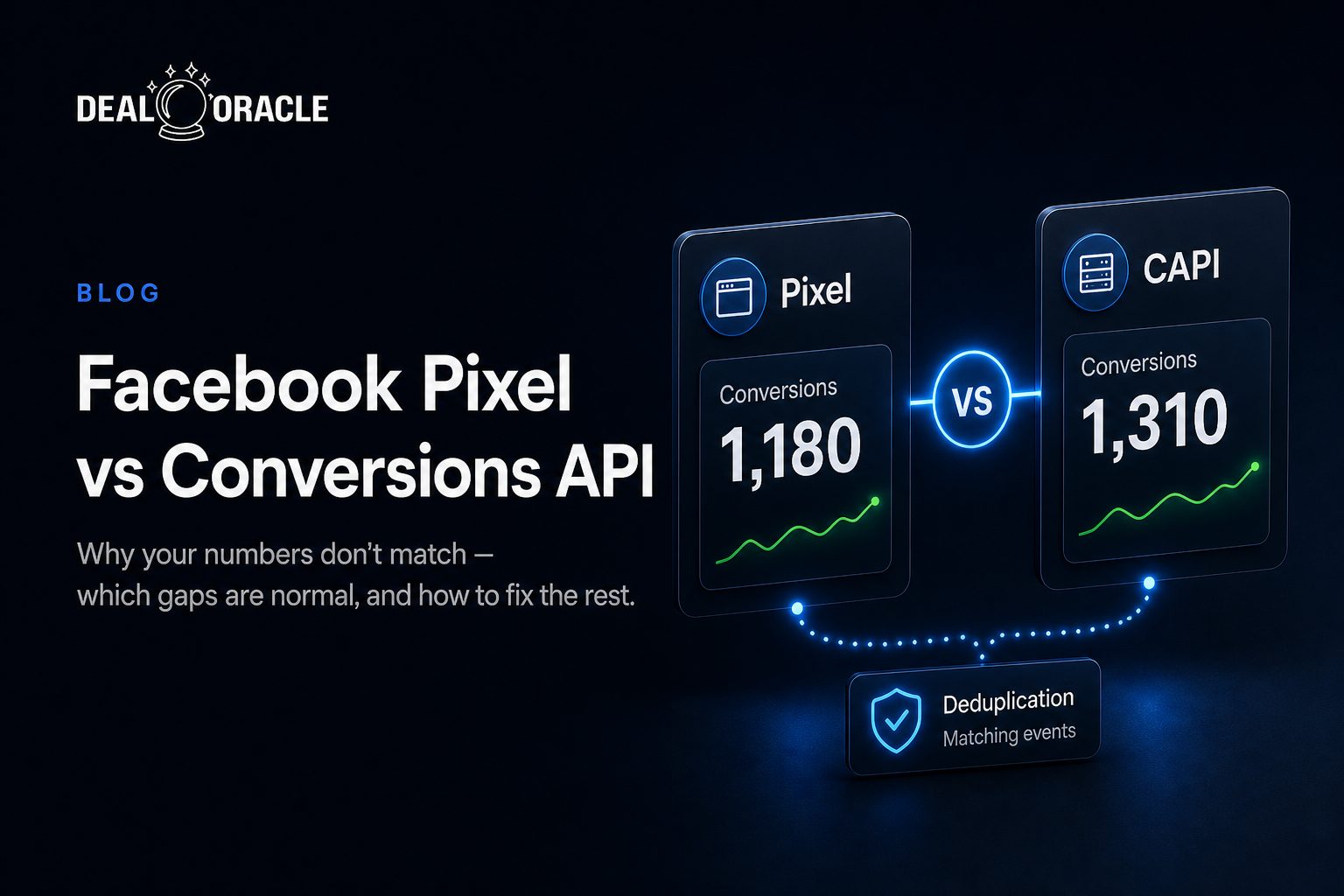
The problem: Without an event_id, Meta can't deduplicate between your pixel events and CAPI events. You end up counting every conversion twice, once from the browser pixel, once from the server. This inflates your reported conversions and destroys your optimization signals.
How it happens: Many CAPI implementations skip the event_id field entirely, or generate a random UUID for the CAPI event that doesn't match the one sent by the pixel. The pixel sends one ID, the server sends a different one, and Meta treats them as two separate conversions.
The symptoms:
- Conversion count is roughly 2x your actual conversions
- "Missing Deduplication Key" warning in Events Manager
- Inflated ROAS that doesn't match your actual revenue
- Ad sets over-optimizing because Meta thinks you're getting twice the conversions
The fix:
- Generate the event_id once, create it server-side when the conversion happens (e.g.,
lead_${leadId}_${timestamp}) - Send the same ID to both pixel and CAPI, pass it to your frontend for the pixel event, and include it in your CAPI payload
- Use deterministic IDs, base them on the lead/transaction identifier so they're always consistent, not random UUIDs
4. Unhashed or Incorrectly Hashed PII
The problem: You're sending customer data (email, phone, name) to Meta in the wrong format. Either it's unhashed (a compliance violation), or it's hashed incorrectly so Meta can't match it to a user profile.
How it happens: The most common mistake is hashing the email without normalizing it first. SHA256("[email protected] ") produces a completely different hash than SHA256("[email protected]"). Meta will accept both without complaint, but the first one will never match any user.
Other common mistakes:
- Hashing phone numbers with dashes or spaces:
"555-123-4567"instead of"+15551234567" - Not trimming whitespace before hashing
- Double-hashing (hashing an already-hashed value)
- Sending plain-text PII (this actually works for matching, but violates Meta's terms of service)
// WRONG - unnormalized data produces unmatchable hashes
{
  "em": "sha256('[email protected] ')",   // Wrong: not lowercase, has trailing space
  "ph": "sha256('555-123-4567')",      // Wrong: not E.164 format
  "fn": "sha256('  John  ')"           // Wrong: has extra whitespace
}

// CORRECT - normalize THEN hash
{
  "em": "sha256('[email protected]')",    // Lowercase, trimmed, then hashed
  "ph": "sha256('+15551234567')",      // E.164 format, then hashed
  "fn": "sha256('john')"               // Lowercase, trimmed, then hashed
}
5. Stale or Missing fbc/fbp Cookies
The problem: You're sending fbc and fbp values that were captured weeks or months ago, or from a different domain, or not at all. Meta can't match stale click IDs to the original ad interaction.
How it happens:
- Your form captures
fbcon the first page visit but the user converts days later when the cookie has been rotated by Safari ITP (7-day limit) - You capture
fbconlanding.example.combut the form submission happens onapp.example.com, different domains, cookies don't carry over - Your landing page doesn't have the hidden fields to capture
fbc/fbpat all, so they're never sent
The symptoms:
- EMQ is stuck at 4-5 despite sending email and phone
- Events Manager shows events as "Matched" but not "Attributed" to a campaign
- Poor attribution accuracy for your ad campaigns
The fix:
- Capture cookies on every page load, add JavaScript to grab
_fbcand_fbpfrom cookies on every landing page, not just the first visit - Pass them through hidden form fields, store the values in hidden inputs so they're submitted with the lead data
- Also capture from URL parameters,
fbclidin the URL can be used to reconstructfbcif the cookie is missing - Use the same top-level domain, ensure your landing page and form are on the same root domain so cookies persist
Pro Tip: Set Up a Weekly Monitoring Check
Every Monday, spend 2 minutes in Events Manager: go to Data Sources > Your Pixel > Overview. Check two things: (1) Is server event volume consistent with last week? A sudden drop means something broke. (2) Is your EMQ score stable? A drop of 2+ points means your data quality degraded. Catching these issues early saves weeks of wasted ad spend.
How DealOracle Prevents All 5 Errors
DealOracle is designed to eliminate these silent failures entirely:
| Error | How DealOracle Handles It |
|---|---|
| Expired tokens | Managed authentication, tokens are monitored and you're alerted before expiration |
| Case-sensitive names | Standard event names are hardcoded, Lead, Purchase, Contact, no manual mapping |
| Missing event_id | Deterministic IDs generated automatically from lead data + timestamp |
| Incorrect hashing | Server-side normalization pipeline: lowercase, trim, E.164 format, then SHA-256 |
| Stale cookies | Click IDs captured on page load and stored immediately, before cookies expire |
The result: your CAPI events are always properly formatted, always deduplicated, and always delivering the highest possible match quality to Meta.
Conclusion
The most dangerous CAPI errors are the ones you don't know about. An expired token, a lowercase event name, or a poorly hashed email can silently waste thousands in ad spend before you notice something is wrong.
The fix is straightforward:
- Use system user tokens that don't expire with employee accounts
- Match Meta's exact standard event names (case matters)
- Generate and share deterministic event IDs between pixel and CAPI
- Normalize all PII before hashing (lowercase, trim, E.164)
- Capture fresh click IDs on every landing page visit
Or, let DealOracle handle all five automatically, so you can focus on running campaigns instead of debugging tracking.