
Key Takeaways
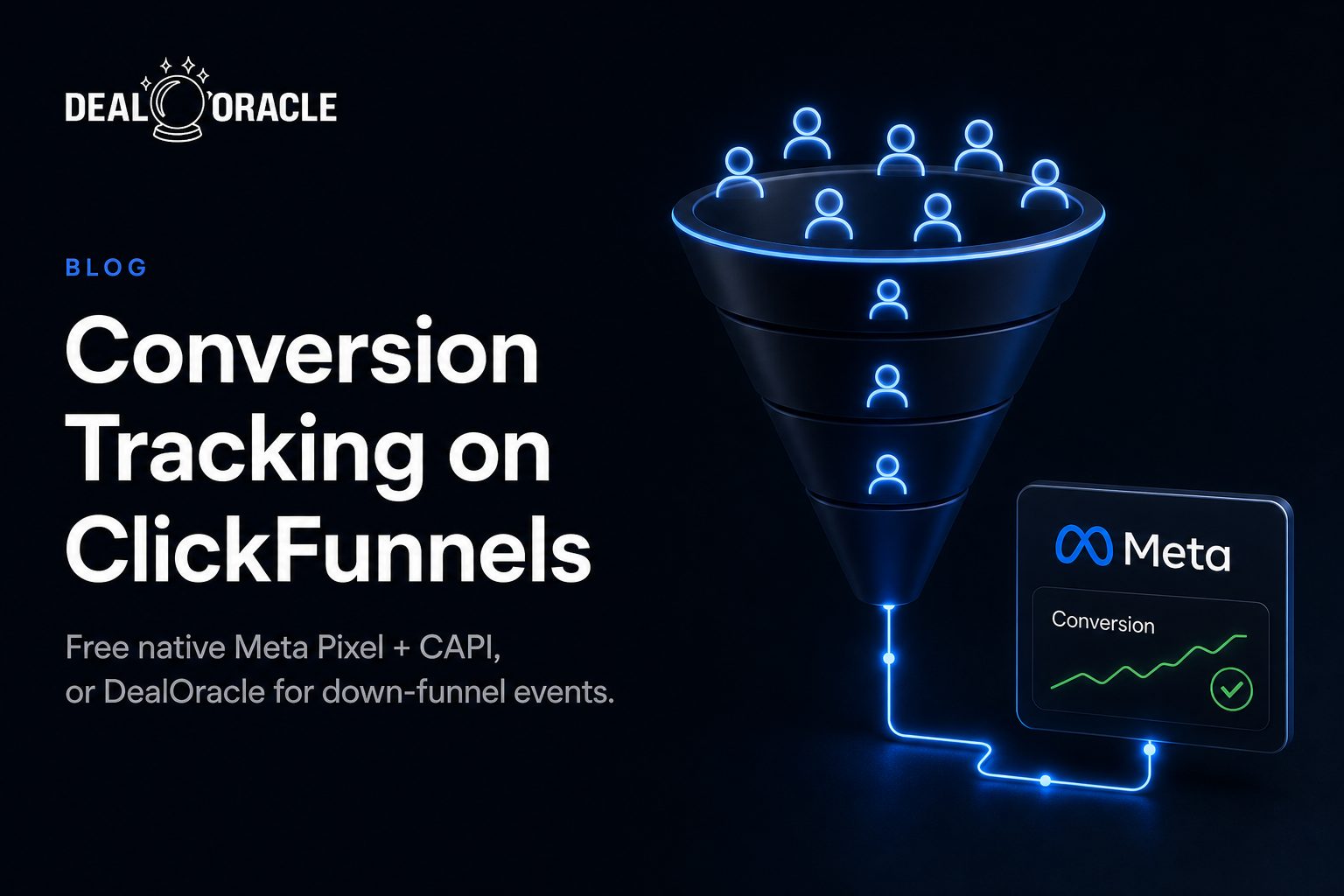
- A browser snippet alone can only run the **Meta Pixel** (client-side, free), it loses 20-30%+ of conversions to iOS, Safari ITP, and ad blockers. Real **CAPI is server-to-server** and needs a server, a server-side tag manager, Meta's Conversions API Gateway, **or** a platform's native CAPI feature. - **The free way:** ClickFunnels 2.0 has a **native Meta Pixel + Conversions API** built in. Add your **Pixel ID** and an **Access Token** in **Site & Blog → Site Settings → Tracking Codes** and ClickFunnels sends both browser and server events. Setup takes **~15-20 minutes**. - It's basic by design: ClickFunnels' native CAPI auto-tracks **PageView and Purchase**, but other events are manual per page, and the integration **sends no event ID or event parameters**, so deduplication needs custom code. - **The paid way:** DealOracle is a done-for-you upgrade that adds down-funnel events, hashed-PII match quality, shared-`event_id` dedup, and **Google + TikTok** alongside Meta, with no per-funnel babysitting. - Either path: confirm events in **Meta Events Manager → Test Events** before you trust the numbers.
ClickFunnels is built to convert, but the data your ad platforms see is only as good as the tracking you wire in. Run a browser-only pixel on a funnel and signal leaks everywhere: iOS privacy limits, Safari ITP, ad blockers, and the redirects between optin, order, and upsell steps that quietly strip click IDs. The result is under-reported leads and sales, weaker optimization, and a ROAS number you can't fully trust.
The good news: you have two legitimate ways to fix this on ClickFunnels, and one of them is free and built in. This guide covers both, the free native Meta Pixel + Conversions API first, then DealOracle as an affordable done-for-you upgrade when you outgrow it. It focuses on ClickFunnels 2.0, with ClickFunnels Classic noted where the path differs.
Pixel vs CAPI: What You're Actually Setting Up
These are two different things, and confusing them is the #1 reason "my tracking is set up" still means "my data is wrong."
- The Meta Pixel is a browser snippet. It runs client-side, it's free, and it's the part that breaks under iOS 14+, Safari ITP, and ad blockers, losing 20-30%+ of events.
- The Conversions API (CAPI) is server-to-server. Meta's own documentation is explicit that the CAPI access token must never be exposed in client-side JavaScript. That means you cannot do real CAPI with a page snippet alone, you need a server, a server-side tag manager (GTM-SS), Meta's Conversions API Gateway, or a platform that ships native CAPI.
ClickFunnels 2.0 is in that last category: it has native CAPI built in, so you don't need to stand up your own server to get server-side events. That's what makes the free route genuinely viable here.
Option 1: The Free / Native Way on ClickFunnels
ClickFunnels 2.0 lets you connect both the Meta Pixel and the Conversions API directly from your site settings, no code pasting required, no third party. ClickFunnels documents the full process in Connecting Meta Pixel and the Conversions API to ClickFunnels.
Step 1: Get your Pixel ID and Access Token from Meta
In Meta Events Manager, open your dataset (pixel). Note the Pixel/Dataset ID. Then, under the dataset's Settings, find the Conversions API → Set up manually / direct integration area and Generate access token. Copy that token, you'll paste it into ClickFunnels. (Optional: grab a Test Event Code from the Test Events tab for verification.)
Step 2: Open ClickFunnels Site Settings
From your workspace, click the Site & Blog app in the left-hand menu, choose Site Settings, and scroll to the Tracking Codes section. (For background on this screen, see ClickFunnels' Understanding ClickFunnels Site & Blog Settings.)
Step 3: Paste your IDs into the native fields
In the Tracking Codes section you'll find dedicated fields:
- Facebook Pixel ID → paste your Pixel/Dataset ID.
- Facebook Access Token → paste the Conversions API token you generated.
- Facebook Test Event Code → paste your test code only while testing, then clear it (leaving it in makes live traffic show up as test events and excludes it from optimization).
Click Update Site to save. ClickFunnels now sends events through both the browser Pixel and server-side CAPI, a dual-channel setup that survives a lot of the signal loss a pixel alone can't.
Site & Blog → Site Settings → Tracking Codes

  Facebook Pixel ID        : 123456789012345        (your Meta dataset/pixel ID)
  Facebook Access Token    : EAAB...zZ              (Conversions API token from Meta)
  Facebook Test Event Code : TEST12345              (only while testing, clear after)

  [ Update Site ]

# Result: ClickFunnels fires the Meta Pixel (browser) AND the
# Conversions API (server) for the events it supports natively.
Where the Free Route Falls Short
The native integration is real CAPI and it's free, but it's basic by design, and it's worth knowing the limits before you rely on it:
- Thin event coverage. ClickFunnels' native CAPI tracks PageView and Purchase automatically based on funnel-step URLs. Anything else, optin/lead events, custom down-funnel actions, has to be set up manually, page by page.
- No event ID or parameters → dedup is on you. ClickFunnels Classic's own Facebook Conversions API (CAPI) FAQ states the integration "will not send any event ID or any event parameters," so deduplicating the browser and server events "will need to be accomplished with custom code." Without a shared
event_id, Pixel + CAPI can double-count. - Per-funnel / per-account config. Settings live at the site (and sometimes funnel) level. Multiple workspaces, brands, or pixels mean repeating the wiring and babysitting it.
- Meta only. There's no native Google Enhanced Conversions or TikTok Events API here, those need a separate setup entirely.
- No CRM down-funnel events. It tracks what happens on the funnel page, not what happens after the lead enters your pipeline (qualified, booked, closed).
For many advertisers running a clean optin → order funnel, the free native setup is genuinely enough. If you only need Purchase tracking on Meta, start there. The table below shows where the gaps start to matter.
| Capability | ClickFunnels Native (free) | DealOracle |
|---|---|---|
| Meta Pixel (browser) | Yes, built in | Yes |
| Server-side Meta CAPI | Yes, native, free | Yes, managed |
| Down-funnel CRM events (qualified, booked, closed) | No | Yes, pipeline-stage mapping |
| Hashed PII match quality (email, phone) | Limited / not configurable | Yes, hashed PII for high match quality |
| Event dedup (shared event_id) | No, native CAPI sends no event ID; needs custom code | Yes, shared event_id, automatic |
| Google Enhanced Conversions + TikTok | No, Meta only | Yes, Meta + Google + TikTok |
| Event coverage | PageView + Purchase auto; others manual per page | Web + down-funnel events out of the box |
| Setup effort | ~15-20 min, per site/funnel | One snippet; events configured for you |
| Maintenance | Per-funnel config to babysit | Nothing to host or maintain |
Option 2: DealOracle: the Affordable Done-For-You Upgrade
When the free native route stops being enough, you need clean dedup, down-funnel events, better match quality, or Google and TikTok alongside Meta, DealOracle is the managed upgrade that handles it without standing up a server or a GTM container.
For ClickFunnels, you install one snippet. Get your client key and the snippet from the DealOracle Tracking Pixel page (SDK Settings), add your funnel's domain to Allowed Domains, and paste the snippet account-wide in the same Site & Blog → Site Settings → Tracking Codes Head area you already know. With it in place, DealOracle:
- Sends server-side events (Meta CAPI and Google Enhanced Conversions) that survive iOS limits and ad blockers.
- Passes hashed PII (email, phone) for high event match quality, the SDK hashes for you.
- Recovers the
fbc/fbpidentifiers andfbclid/gclidthe browser pixel loses across funnel redirects. - Generates a shared
event_idso browser and server events deduplicate cleanly instead of double-counting, the exact thing the native integration can't do without custom code. - Fires across Meta + Google + TikTok from one setup, with nothing to host or maintain.
If you run paid traffic to ClickFunnels and want every lead and sale counted accurately, book a DealOracle demo.
<!-- dealoracle snippet -->
<script>
  (function(d,o){
    d.dealoracle=d.dealoracle||function(){var a=Array.prototype.slice.call(arguments);(d.dealoracle.q=d.dealoracle.q||[]).push({method:a[0],args:a.slice(1)})};
    var s=o.createElement('script');s.async=1;
    s.src='https://proxy.trc-kng.com/functions/v1/sdk-serve';
    o.head.appendChild(s);
  })(window,document);
  dealoracle('init', '<YOUR_CLIENT_KEY>');
</script>
To count a conversion, fire DealOracle's Lead event on form submit and pass the submitted email and phone so the event matches a real person:
<script>
  document.addEventListener('submit', function (e) {
    var form = e.target;
    var email = (form.querySelector('input[type="email"], input[name*="email" i]') || {}).value;
    var phone = (form.querySelector('input[type="tel"], input[name*="phone" i]') || {}).value;
    dealoracle('identify', { email: email, phone: phone }); // SDK hashes, never pre-hash
    dealoracle('track', 'Lead');
  }, true);
</script>
Match the selectors to your actual ClickFunnels form fields. For purchases, fire on the order step where the buyer's details are entered. More on why server-side identity matters in our server-side tracking beginner's guide.
Which Should You Choose?
Be honest with yourself about what you need:
- The free native route is fine if you're on ClickFunnels 2.0, you advertise on Meta only, your meaningful conversion is a Purchase (or a single optin you'll wire manually), and you're comfortable that browser + server events may not deduplicate perfectly. It costs nothing and takes 15-20 minutes.
- DealOracle is worth it if you want clean dedup without custom code, down-funnel CRM events (qualified lead, booked, closed, not just page events), stronger match quality from hashed PII, or you run Google and TikTok too, and you'd rather not babysit per-funnel config across multiple workspaces.
There's no shame in starting free and upgrading when the gaps start costing you optimization. Both paths put real server-side data in front of Meta, DealOracle just goes further and does it for you.
Verify It's Working
Don't trust a setup you haven't watched fire. Whichever path you chose:
- Meta Events Manager → Test Events. Paste your Test Event Code (native route) or just submit a real test form, then watch the event land. For server-side events, confirm they arrive as server events with good match quality. (Native route: clear the Test Event Code from Site Settings when you're done.)
- Check for duplicates. If you run Pixel + native CAPI, watch for double-counted conversions, the native integration can't dedup on its own. A shared
event_id(DealOracle) is what prevents this; see the missing deduplication key on Facebook. - DealOracle path only: run Verify Pixel Installation on the Tracking Pixel page against your published funnel URL (with your domain in Allowed Domains), then submit a test optin/order and watch the Lead event arrive with the email/phone you entered.
- Google / TikTok: if you're sending those, confirm recent activity in Google Ads → Goals → Conversions (or GA4 DebugView) and TikTok Events Manager.
If nothing appears on the native route, re-check the Pixel ID and Access Token in Site Settings and confirm the funnel was published after saving. On the DealOracle route, re-check Allowed Domains and your form selectors.
Bottom Line
ClickFunnels gives you two honest ways to track conversions. Start free: add your Pixel ID and Access Token in Site & Blog → Site Settings → Tracking Codes and you've got native server-side CAPI on Meta in under 20 minutes. When you outgrow it, clean dedup, down-funnel CRM events, hashed-PII match quality, or Google and TikTok alongside Meta, DealOracle is the done-for-you upgrade that adds all of it from one snippet, with nothing to maintain.
New to server-side tracking? Read our server-side tracking beginner's guide first, then pick the path that fits.