
Key Takeaways
- **There's a free way and a faster paid way.** HubSpot has a built-in, no-cost Meta Conversions API feature; DealOracle is an optional done-for-you upgrade. - **A browser snippet alone is only a pixel.** Real CAPI is server-to-server, HubSpot's native feature handles the server side for you, free. - **The free route is HubSpot-data-only and capped by tier.** You get 5 conversion events on Starter, 50 on Professional, 100 on Enterprise. - **DealOracle removes the cap and adds down-funnel CRM stages**, hashed PII, plus Google and TikTok, with nothing to host. - **Time to set up the free route:** about 15 minutes once your Meta pixel and Business Manager are connected.
Most HubSpot users wire up the Meta Pixel, see Lead events firing on form submits, and call it done. But two things quietly cost you accuracy: the browser pixel loses 20-30%+ of conversions to iOS, Safari ITP, and ad-blockers, and the events that matter most (a contact becoming sales qualified, a deal closing) happen inside HubSpot days later, where no pixel can see them.
This guide covers both ways to fix that. Option 1 is the free, native HubSpot feature, and for many teams it's genuinely enough. Option 2 is DealOracle, an affordable done-for-you upgrade for when you outgrow the free route. We'll be honest about where each one fits.
Pixel vs CAPI: What You're Actually Setting Up
These are two different things, and the difference decides everything below.
- The Meta Pixel is client-side JavaScript that runs in the browser. It's free and easy, but it's the part that loses data to iOS, ITP, and ad-blockers.
- The Conversions API (CAPI) is server-to-server. Meta's documentation is explicit that your CAPI access token must never be exposed in client-side JavaScript. That means you cannot run real CAPI from a page snippet alone, CAPI needs a server, a server-side tag manager, Meta's Conversions API Gateway, or a platform's native CAPI feature.
HubSpot is in that last bucket: it has a native CAPI feature, so you don't need to stand up your own server to get server-side events. That's what makes the free option real CAPI and not just a pixel.
Option 1: The Free / Native Way in HubSpot
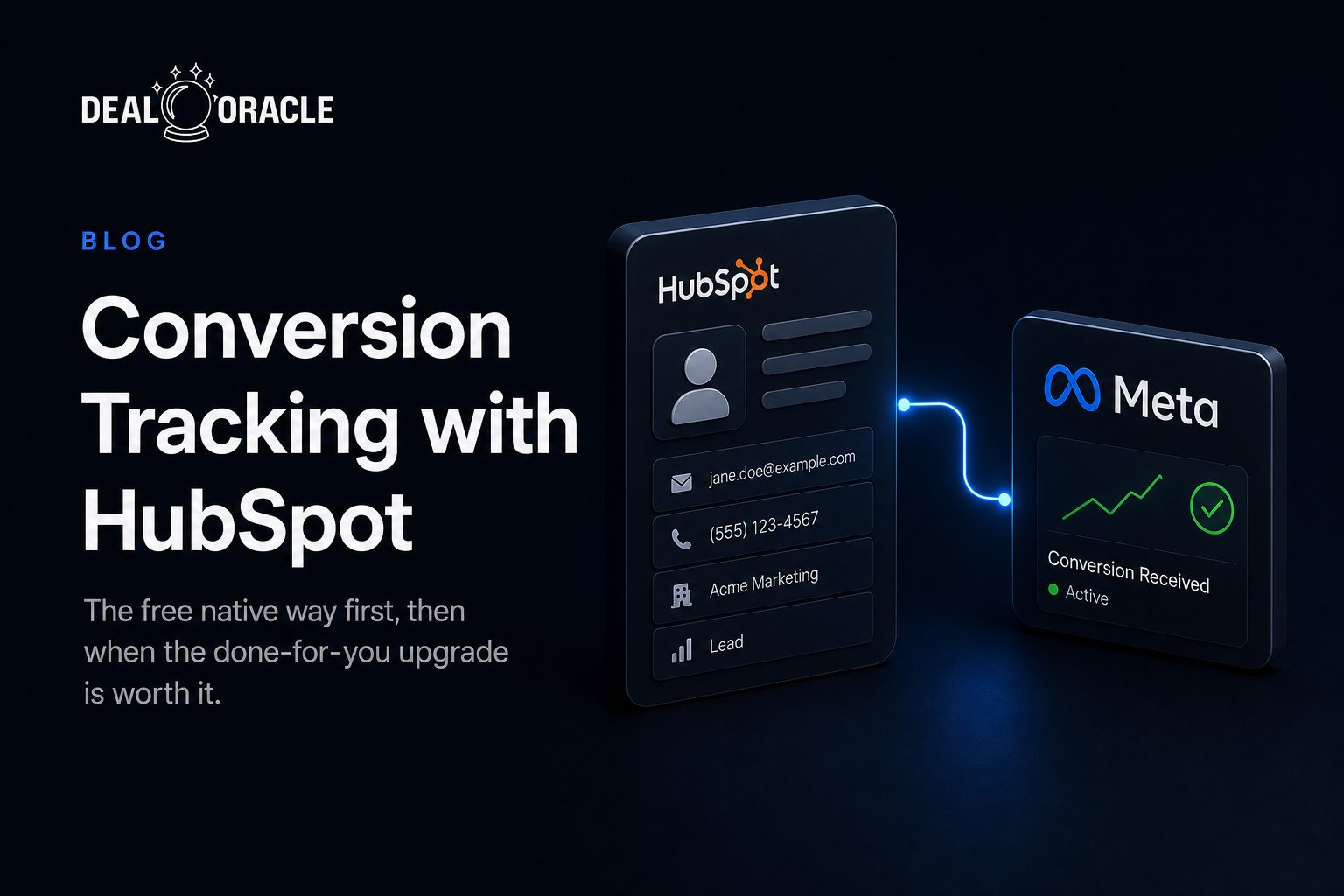
HubSpot can create ad conversion events that fire to Meta's Conversions API directly from your CRM, no extra tools, no cost beyond your HubSpot subscription. When you create one of these events, HubSpot enables CAPI and sends both the server event and the browser event so Meta can deduplicate them. The full walkthrough is in HubSpot's knowledge base article, Create and sync ad conversion events with your Meta Ads accounts using Meta's Conversion API.
Before you start
HubSpot requires a few things to be in place:
- A Meta pixel installed in your HubSpot account (Settings → Marketing → Ads).
- Your Meta ad account must belong to a Business Manager account.
- Conversion events can only be built from HubSpot-created forms, submissions from non-HubSpot forms can't be synced.
1. Connect your Meta Ads account
In HubSpot, go to Settings → Marketing → Ads, connect your Meta ad account, and make sure your pixel shows as connected.
2. Create an ad conversion event
On the Ads settings page, open the Conversion events tab and click Create conversion event → Meta. HubSpot lets you pick the trigger type:
- Form submission, fires when a HubSpot form is submitted.
- Lifecycle stage change, fires when a contact reaches a stage you choose (e.g. Sales Qualified Lead, Customer). This is how you get down-funnel signal.
- Page view, fires on a tracked page view.
3. Choose the data to share
HubSpot lets you select which contact data to send with the event, Click ID, email address, and phone number, which is what drives Meta's event match quality. Select the trigger (the specific form, stage, or page), then save.
4. Confirm it counts
Only form submissions and lifecycle changes that happen after you create the event are counted, so don't expect backfilled history. Once live, HubSpot fires the server and browser events together and Meta dedupes on its end.
<!-- Meta Pixel Code -->
<script>
  !function(f,b,e,v,n,t,s){if(f.fbq)return;n=f.fbq=function(){n.callMethod?
  n.callMethod.apply(n,arguments):n.queue.push(arguments)};if(!f._fbq)f._fbq=n;
  n.push=n;n.loaded=!0;n.version='2.0';n.queue=[];t=b.createElement(e);t.async=!0;
  t.src=v;s=b.getElementsByTagName(e)[0];s.parentNode.insertBefore(t,s)}(window,document,
  'script','https://connect.facebook.net/en_US/fbevents.js');
  fbq('init', '<YOUR_PIXEL_ID>');
  fbq('track', 'PageView');
</script>
The snippet above is the browser half, the Meta Pixel itself. With HubSpot's native feature you usually don't paste this manually; HubSpot installs and manages the pixel for you once you connect it under Settings → Marketing → Ads. It's shown here so you can see what "pixel only" looks like: on its own, it's client-side and loses data. HubSpot's conversion events add the server half (CAPI) on top of it for free.
Where the Free Route Falls Short
The native feature is solid, but it has honest limits:
- Event count is capped by your HubSpot tier. You can create up to 5 ad conversion events on Marketing Hub Starter, 50 on Professional, and 100 on Enterprise. If you run many funnels or many granular stages, you can hit that ceiling.
- HubSpot-data-only. Events come from HubSpot forms and CRM stages. Non-HubSpot forms and pages outside HubSpot tracking won't sync.
- Meta-focused. This feature is for Meta's Conversions API. Google Enhanced Conversions and TikTok are configured separately.
- You build and maintain each event by hand, and match quality depends on which fields (Click ID, email, phone) you remember to include.
| Capability | HubSpot native (free) | DealOracle (upgrade) |
|---|---|---|
| Meta Pixel (browser) | Yes, managed for you | Yes |
| Server-side Meta CAPI | Yes | Yes |
| Down-funnel CRM-stage events | Yes, via lifecycle change | Yes, full deal/lifecycle stage mapping |
| Number of conversion events | Capped: 5 / 50 / 100 by tier | No event-count cap |
| Hashed PII match signals | Click ID, email, phone | Hashed email/phone + recovered fbc/fbp |
| Event deduplication | Yes, Meta dedupes server + browser | Yes, shared event_id dedup |
| Google + TikTok too | Configured separately | Meta, Google, and TikTok together |
| Works beyond HubSpot pages | HubSpot forms/CRM only | Yes, any page or funnel |
| Setup effort | Per-event manual config | Connect once, map stages |
| Maintenance | You manage each event | Managed, no server or GTM to host |
Option 2: DealOracle: the Affordable Done-For-You Upgrade
If you've hit the event-count cap, you want every down-funnel deal stage tracked, or you're running Google and TikTok alongside Meta, DealOracle is a managed upgrade that does the plumbing for you. You connect your HubSpot account once and map your fields and pipeline stages to standard conversion events. DealOracle then fires those conversions server-side, to Meta CAPI and Google Enhanced Conversions, with hashed PII, recovered fbc/fbp click cookies, and a shared event_id for clean deduplication, across Meta, Google, and TikTok. There's no server or GTM container to host.
What it maps:
- Form / page events:
Contact,Schedule,Submit Application,Complete Registration,Purchase. - Down-funnel CRM events:
Qualified Lead,Converted Lead,Purchase/Sale, mapped from HubSpot lifecycle and deal-stage changes, with no per-tier event cap.
DealOracle sends server-side events with hashed PII, recovers fbc/fbp, and generates shared event_ids automatically, book a demo to see it run on your HubSpot pipeline.
To also capture first-touch attribution on landing pages, UTMs and fbclid/gclid before a lead ever converts, add the DealOracle on-page snippet. Grab your client key from the DealOracle Tracking Pixel page (SDK Settings), add your domain to Allowed Domains, and confirm with the Verify Pixel Installation tool.
<!-- dealoracle snippet -->
<script>
  (function(d,o){
    d.dealoracle=d.dealoracle||function(){var a=Array.prototype.slice.call(arguments);(d.dealoracle.q=d.dealoracle.q||[]).push({method:a[0],args:a.slice(1)})};
    var s=o.createElement('script');s.async=1;
    s.src='https://proxy.trc-kng.com/functions/v1/sdk-serve';
    o.head.appendChild(s);
  })(window,document);
  dealoracle('init', '<YOUR_CLIENT_KEY>');
</script>
The SDK auto-captures UTMs, fbclid/gclid, and the fbc/fbp cookies. On a thank-you page you can also call dealoracle('track','Lead') and dealoracle('identify', userId, {email, phone}) to tie the browser session to the same person, identify passes hashed email/phone for match quality.
Which Should You Choose?
Be honest with yourself about your funnel:
- Stick with the free HubSpot feature if you run Meta only, your funnels and lifecycle stages fit within your tier's event cap (5 / 50 / 100), and all your forms and pages live inside HubSpot. For a lot of teams, that's the whole picture, don't pay for what you don't need.
- Upgrade to DealOracle if you've hit the event-count cap, you want every deal-stage change tracked (not just lifecycle), you need Google and TikTok alongside Meta, you have pages outside HubSpot, or you simply don't want to build and maintain each event by hand.
Verify It's Working
Whichever path you pick, confirm events actually arrive before you trust the numbers.
For both paths: Meta Events Manager
Open Events Manager → Test Events, then trigger the action (submit a HubSpot form, or move a contact/deal to a mapped stage). Confirm the server event appears, that it's deduplicated against the browser event, and that match quality looks healthy.
For the free route
After creating an event in HubSpot, submit a test form or change a test contact's lifecycle stage, then watch it land in Test Events. Remember only events that happen after creation are counted.
For DealOracle
Run the Verify Pixel Installation tool on the DealOracle Tracking Pixel page against your domain, then move a test deal to a mapped stage (e.g. Closed Won) and confirm the matching server-side event (e.g. Purchase/Sale) fires in DealOracle and in Events Manager.
Bottom Line
Start free. HubSpot's native Meta Conversions API feature gives you real server-side events, pixel plus CAPI with deduplication, for nothing beyond your subscription, and for Meta-only teams inside the event cap it's genuinely enough. When you outgrow it (event-count cap, full down-funnel deal stages, Google and TikTok, pages outside HubSpot), DealOracle is the affordable done-for-you upgrade with nothing to host. New to the server-side model? Start with our beginner's guide to server-side tracking.