
Key Takeaways
- **Podio has no native Meta integration.** A page snippet alone gives you the **Meta Pixel** (client-side, free), not the Conversions API. - **Free route (~15 min):** paste the Meta Pixel base code onto the page that hosts your Podio webform to track form views and submits. - **CAPI on Podio requires development:** a Podio webhook or a Globiflow / Workflow Automation **Remote HTTP Call** that POSTs to your own CAPI endpoint, or a third party. - The free pixel **loses 20-30%+** of conversions to iOS/Safari ITP and ad-blockers, and it never sees the **down-funnel** stages (qualified, won, paid) that live inside Podio. - **DealOracle** is the affordable done-for-you upgrade: connect Podio, map status-field values to server-side events across Meta, Google, and TikTok, no webhook code to maintain.
If you capture leads into Podio (Citrix / Progress Podio) and run paid ads, you want Meta and Google to optimize toward leads that actually close, not raw form-fills. Doing that well means understanding one distinction first, because it decides what you can set up for free and what needs a server.
Pixel vs CAPI: What You're Actually Setting Up
There are two different things people lump together as "conversion tracking":
- The Meta Pixel is a JavaScript snippet that runs in the visitor's browser. It's free, you can paste it onto almost any page, and it fires events like
PageViewandLead. But it's client-side, so it loses 20-30%+ of conversions to iOS/Safari Intelligent Tracking Prevention and ad-blockers. - The Conversions API (CAPI) is server-to-server. Your server sends the event straight to Meta. Per Meta's own documentation, the CAPI access token must never be exposed in client-side JavaScript, which means you cannot run real CAPI from a page snippet alone. CAPI needs a server, a server-side tag manager (GTM-SS), Meta's Conversions API Gateway, or a platform's native CAPI feature.
Podio has no native Meta integration of either kind. So your free option is the Pixel on your lead-capture page; CAPI on Podio is possible but requires some development. New to the concept? Start with our server-side tracking beginner's guide.
Option 1: The Free / Native Way on Podio
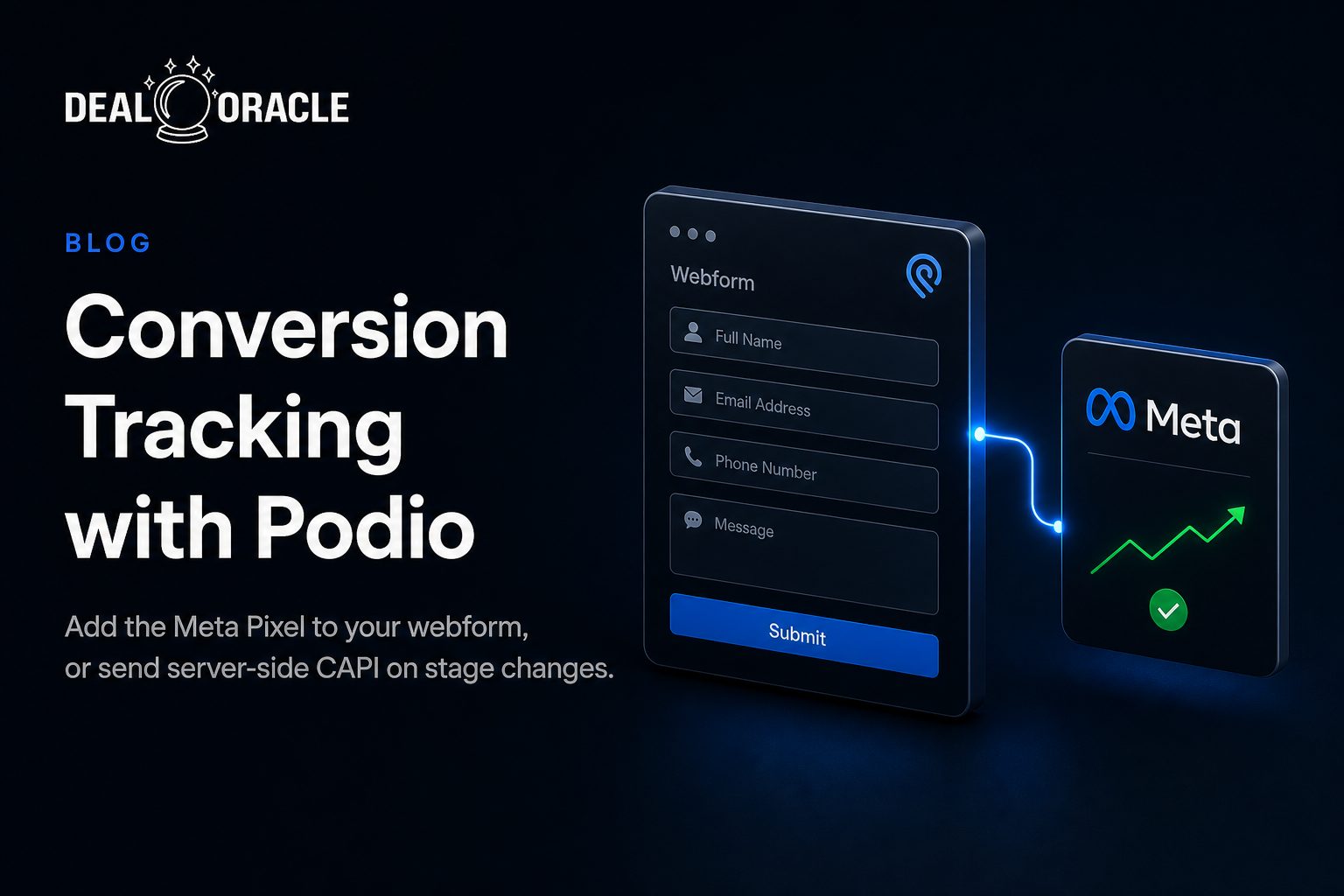
Podio collects external leads through a webform, you expose a Podio app as a form and either share its link or embed it on a page on your own site (you must add your domain in the webform settings, with and without www.). See Podio's Webforms help article. The free, no-code tracking option is to put the Meta Pixel on whatever page hosts that form.
1. Create your Pixel and copy the base code
In Meta Events Manager, create (or open) a dataset/Pixel and copy your Pixel ID. The base code below is the standard Meta Pixel snippet, replace <YOUR_PIXEL_ID>.
2. Add the Pixel to the page that hosts your Podio webform
If you embed the Podio webform on a page you control (your website, landing page, etc.), paste the Pixel base code into that page's <head>. It will fire PageView on load. You can add a Lead event on submit (for example in the form's confirmation/thank-you page).
If you only use the hosted Podio webform link (no page of your own), you can apply custom CSS/theme to the webform, but Podio does not let you inject arbitrary tracking scripts into the hosted form reliably, so the practical free path is the embedded form on your own page.
3. Confirm it loads
Use the Meta Pixel Helper browser extension on the page to confirm the Pixel fires.
<!-- Meta Pixel Code -->
<script>
  !function(f,b,e,v,n,t,s){if(f.fbq)return;n=f.fbq=function(){n.callMethod?
  n.callMethod.apply(n,arguments):n.queue.push(arguments)};if(!f._fbq)f._fbq=n;
  n.push=n;n.loaded=!0;n.version='2.0';n.queue=[];t=b.createElement(e);t.async=!0;
  t.src=v;s=b.getElementsByTagName(e)[0];s.parentNode.insertBefore(t,s)}(window,document,
  'script','https://connect.facebook.net/en_US/fbevents.js');
  fbq('init', '<YOUR_PIXEL_ID>');
  fbq('track', 'PageView');
</script>
Where the Free Route Falls Short
The Pixel-only setup is genuinely fine if all you need is a count of form views and submissions. But on Podio it has real, specific gaps:
- Client-side only. The Pixel loses 20-30%+ of events to iOS/Safari ITP and ad-blockers. For an iPhone-heavy audience, the loss is worse.
- It never sees your pipeline. Your most valuable conversions in Podio, Qualified, Won, Paid, happen inside the CRM, days after the click. The browser pixel fired once on the thank-you page and went dark. Meta and Google then optimize toward cheap form-fills instead of revenue.
- No native CAPI escape hatch. To get server-side events you have to build it. The two real DIY options on Podio:
- A Podio webhook (
item.update) that calls a URL when an item or a specific field changes, see the Podio Hooks reference and the webhooks tutorial. You then host an endpoint that hashes PII and POSTs to Meta CAPI. - A Globiflow / Workflow Automation Remote HTTP Call that POSTs to a remote script, see Workflow Automation: Remote HTTP Call. Still requires you to build and maintain the receiving CAPI endpoint.
- A Podio webhook (
Either way, you're writing and hosting code, hashing email/phone correctly, recovering fbc/fbp, and keeping event_ids in sync for deduplication. That's a real project to build and maintain.
| Capability | Free (Meta Pixel on webform) | DIY CAPI (webhook / Globiflow) | DealOracle |
|---|---|---|---|
| Meta Pixel (browser) | Yes | Yes | Yes |
| Server-side CAPI | No | Yes (you build it) | Yes (managed) |
| Down-funnel CRM-stage events | No | Yes (you build it) | Yes |
| Hashed PII match quality | Browser-only | If you implement it | Automatic |
| Event dedup (shared event_id) | No | If you implement it | Automatic |
| Google + TikTok too | Separate setup each | You build each | Included |
| Setup effort | ~15 min | Developer project | ~10-15 min, no code |
| Ongoing maintenance | Low | You host + maintain | None (managed) |
Option 2: DealOracle: the Affordable Done-For-You Upgrade
If you want server-side CAPI on Podio but don't want to build and babysit a webhook endpoint, DealOracle is the managed alternative. It connects to your Podio account, watches the status field that represents your pipeline, and fires server-side conversions when items move stage, to Meta CAPI, Google Enhanced Conversions, and TikTok, with hashed PII, recovered fbc/fbp, and shared event_id deduplication. There's no server, no GTM container, and no webhook code for you to maintain.
What it adds over the free route:
- Down-funnel, server-side events triggered by Podio status changes,
Qualified Lead,Converted Lead,Purchase/Sale, the conversions the browser pixel can't see. - Hashed email/phone mapped from your Podio item fields, lifting event match quality.
fbc/fbprecovery and sharedevent_iddedup so browser and server events don't double-count.- Multi-platform (Meta + Google + TikTok) from one connection, with no developer and nothing to host.
Optionally, add DealOracle's on-page snippet to the page hosting your Podio webform to capture first-touch UTMs and fbclid/gclid at click time. The client key and snippet come from the DealOracle Tracking Pixel page (SDK Settings); add your form's domain to Allowed Domains there.
DealOracle sends server-side events with hashed PII, recovers fbc/fbp, and generates shared event_ids automatically, book a demo.
<!-- dealoracle snippet -->
<script>
  (function(d,o){
    d.dealoracle=d.dealoracle||function(){var a=Array.prototype.slice.call(arguments);(d.dealoracle.q=d.dealoracle.q||[]).push({method:a[0],args:a.slice(1)})};
    var s=o.createElement('script');s.async=1;
    s.src='https://proxy.trc-kng.com/functions/v1/sdk-serve';
    o.head.appendChild(s);
  })(window,document);
  dealoracle('init', '<YOUR_CLIENT_KEY>');
</script>
Which Should You Choose?
Be honest about what you need:
- The free Meta Pixel is enough if you only care about counting form views/submits, your audience isn't heavily iOS, and you don't need to optimize toward closed deals. It's the right first step and costs nothing.
- Build DIY CAPI (webhook / Globiflow) if you have developer time, you want full control, and you're comfortable hosting and maintaining an endpoint that hashes PII and manages dedup correctly.
- Use DealOracle if you want down-funnel CRM-stage conversions, server-side accuracy with hashed PII, and Meta + Google + TikTok coverage, without writing or maintaining webhook code. It's the affordable middle path between "free but limited" and "build it yourself."
Verify It's Working
Whichever path you take, confirm events actually arrive before trusting the data.
Free Pixel route
- Use the Meta Pixel Helper extension on your form page to confirm
PageViewandLeadfire. - In Meta Events Manager → Test Events, submit a test lead and watch the event land. Browser-only events will show a lower match quality than server-side ones.
CAPI route (DIY or DealOracle)
- In Meta Events Manager → Test Events, trigger a real stage change in Podio (move a test item to Qualified) and confirm the event arrives server-side with good match quality.
- For Google, check Google Ads conversion diagnostics for the Enhanced Conversion.
- On DealOracle, run the Verify Pixel Installation tool on the Tracking Pixel page (if you added the on-page snippet) and watch live events for the stage change.
If a server event doesn't appear, recheck the status-field mapping and confirm the Podio connection is still authorized.
Bottom Line
Start free: put the Meta Pixel on the page hosting your Podio webform to count form views and submits in about 15 minutes. When you need the conversions that actually matter, the qualified, won, and paid stages that live inside Podio, you'll need server-side CAPI, and Podio has no native shortcut. You can build it with a Podio webhook or Globiflow Remote HTTP Call, or let DealOracle map your status-field values to server-side events across Meta, Google, and TikTok with no code to maintain. Either way, make sure those events dedupe cleanly against your pixel, see missing deduplication key on Facebook.