
Key Takeaways
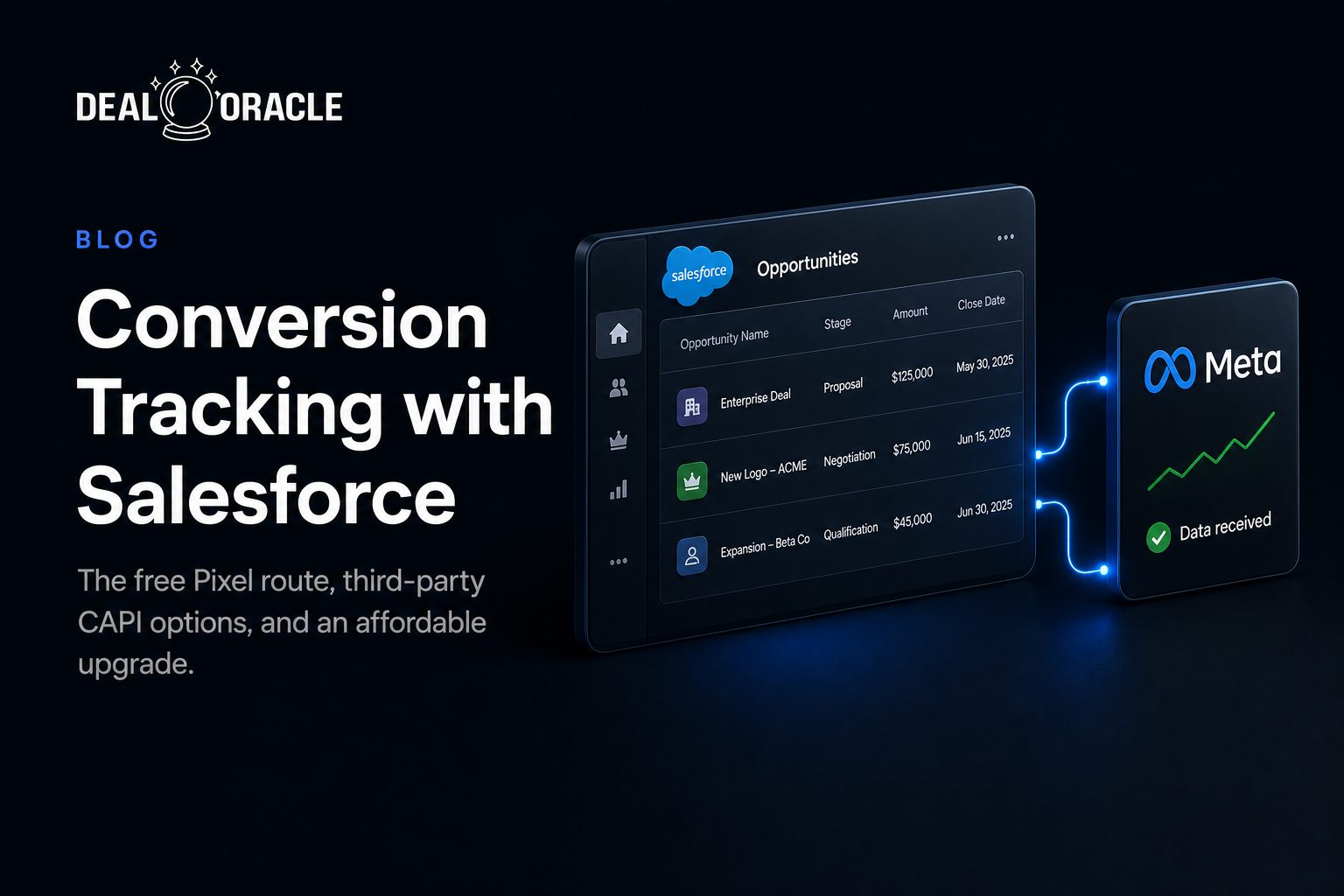
- **There's a free way and a faster paid way.** The free route puts the **Meta Pixel** on your Salesforce Web-to-Lead or Experience Cloud pages (client-side only). The paid/managed route sends real **server-side CAPI** events, including down-funnel CRM stage changes. - **Salesforce has NO native Meta Conversions API connector.** Unlike HubSpot or GoHighLevel, there's no built-in toggle, you either run the Pixel client-side or wire up a third party. - Free Pixel setup takes **~10 minutes**. A real CAPI pipeline (third party or your own endpoint) is a bigger lift; a managed tool is **~15 minutes**. - A browser snippet alone can only run the **Pixel**, it **cannot** do CAPI, because Meta's docs say the access token must never be exposed in client-side JavaScript. - Meta **discontinued the separate Offline Conversions API in May 2025**, CRM/offline events now flow through the standard Conversions API.
Most teams running ads to Salesforce care about one thing the browser pixel can never see: which leads actually became revenue. The ad click and form-fill happen on the web, but qualification, proposals, and closed-won deals happen later inside your CRM. Setting up conversion tracking with Salesforce means deciding how much of that journey you want your ad platforms to learn about, and there's a genuinely free way to start.
This guide is honest about what's possible. We'll cover the free Meta Pixel route first, the third-party and DIY options for real server-side tracking, and where a managed tool fits in. No fluff about a "native Salesforce → Meta" button, because it doesn't exist.
Pixel vs CAPI: What You're Actually Setting Up
This is the fork in the road, so be clear on it before you touch anything.
- The Meta Pixel is client-side JavaScript that runs in the visitor's browser. It's free and easy, but it loses 20-30%+ of events to iOS, Safari ITP, and ad-blockers. It only sees what happens on the page, never a stage change inside Salesforce.
- The Conversions API (CAPI) is server-to-server. Meta's own documentation is explicit that your CAPI access token must never be exposed in client-side JavaScript. That single fact is why you cannot do real CAPI with a page snippet alone. CAPI requires a server, a server-side tag manager (GTM-SS), Meta's Conversions API Gateway, a third-party connector, or a managed service.
Salesforce complicates this further: it has no native Meta CAPI connector. So your options are (1) Pixel on your public pages for free, or (2) a real CAPI pipeline through a third party, a webhook to your own endpoint, or a managed service. One more thing worth knowing: Meta discontinued the standalone Offline Conversions API on May 14, 2025, so CRM and offline events now route through the standard Conversions API, per Meta's Connect your offline events using a partner integration.
Option 1: The Free / Native Way on Salesforce
Since Salesforce has no native CAPI toggle, the free route is the Meta Pixel on the public pages your ads point to: Web-to-Lead forms and Experience Cloud pages. This captures PageView and form events client-side. It's free, it takes about 10 minutes, and for top-of-funnel reporting it's a reasonable starting point.
1. Get your Pixel base code
In Meta Events Manager, open your dataset and copy the Meta Pixel base code. It contains your numeric Pixel ID. You'll paste this into the <head> of every page your ads land on.
2. Put it on your Web-to-Lead / Experience Cloud pages
Salesforce Web-to-Lead generates the HTML form for you (Setup → search Web-to-Lead → Create Web-to-Lead Form), and you host that markup on your own page, so the Pixel goes in that page's <head>. For Experience Cloud, add the snippet via a custom HTML / head-markup component or your community's head-markup settings. Salesforce documents the Web-to-Lead flow in Generate Leads from Your Website with Web-to-Lead.
3. Fire an event on submit (optional)
To register more than a PageView, call fbq('track', 'Lead') when the form submits. With the standard Web-to-Lead HTML form you can add this to the form's submit handler. That's the ceiling of the free route, it's still client-side only.
<!-- Meta Pixel Code -->
<script>
  !function(f,b,e,v,n,t,s){if(f.fbq)return;n=f.fbq=function(){n.callMethod?
  n.callMethod.apply(n,arguments):n.queue.push(arguments)};if(!f._fbq)f._fbq=n;
  n.push=n;n.loaded=!0;n.version='2.0';n.queue=[];t=b.createElement(e);t.async=!0;
  t.src=v;s=b.getElementsByTagName(e)[0];s.parentNode.insertBefore(t,s)}(window,document,
  'script','https://connect.facebook.net/en_US/fbevents.js');
  fbq('init', '<YOUR_PIXEL_ID>');
  fbq('track', 'PageView');
</script>
Where the Free Route Falls Short
Be clear-eyed about what the Pixel-only setup does and doesn't do on Salesforce:
- It's client-side, so it's lossy. iOS, Safari ITP, and ad-blockers strip 20-30%+ of events before Meta ever sees them.
- It never sees your pipeline. The single most valuable thing in Salesforce, this Opportunity moved to Qualified, this deal closed for $40k, happens days or weeks later, server-side, where no browser pixel can reach.
- There's no native CAPI fallback. On HubSpot or GoHighLevel you could flip on native CAPI; on Salesforce you can't. To get server-side events you must add a third party (Datahash, Stape, or LeadsBridge) or build a webhook → your own CAPI endpoint that fires on stage change. That's real engineering and ongoing maintenance.
If all you need is basic top-of-funnel reporting and you're fine losing a chunk of events, the free Pixel is genuinely enough. If you want your ads to optimize toward closed revenue, you need server-side CAPI, which is where the next option comes in.
| Capability | Free (Meta Pixel on Salesforce pages) | DealOracle (managed) |
|---|---|---|
| Meta Pixel (client-side) | Yes | Yes |
| Server-side CAPI | No (needs a 3rd party or your own endpoint) | Yes, built in |
| Down-funnel CRM stage events | No | Yes (Qualified Lead, Converted Lead, Purchase/Sale) |
| Hashed PII match quality | Browser only | Hashed email + phone + name on every event |
| fbc / fbp recovery | No | Yes |
| Event dedup (shared event_id) | Manual / none | Automatic |
| Google + TikTok too | Separate setup each | Same connection |
| Setup effort | ~10 min (Pixel only) | ~15 min |
| Maintenance | DIY pipeline to host/maintain | Nothing to host or maintain |
Option 2: DealOracle: the Affordable Done-For-You Upgrade
If the free Pixel isn't enough but standing up GTM server-side or maintaining a Datahash/Stape/LeadsBridge pipeline (or your own webhook → CAPI endpoint) is more than you want to own, a managed tool fills the gap. DealOracle connects your Salesforce account, maps your fields, and maps your Opportunity stages to standard down-funnel events, then fires them server-side with no server or GTM container for you to maintain.
What that adds over the free route:
- Down-funnel CRM events, map stages to
Qualified Lead,Converted Lead, andPurchase/Sale, plus form/page events likeContact,Schedule,Submit Application,Complete Registration, andPurchase. - Server-side delivery to Meta CAPI and Google Enhanced Conversions, with hashed PII, recovered
fbc/fbp, and a sharedevent_idso your pixel and server events deduplicate cleanly. - Multi-platform, Meta, Google, and TikTok off the same connection, with no per-tier cap on the number of conversion events and nothing that's ecommerce-only.
You can also drop the DealOracle on-page snippet on your Web-to-Lead or Experience Cloud pages to capture first-touch attribution (UTMs, fbclid/gclid). Grab your client key from the Tracking Pixel page (SDK Settings), add your domain to Allowed Domains, and confirm with the Verify Pixel Installation tool. Book a demo to see your own pipeline turned into server-side conversions.
<!-- dealoracle snippet -->
<script>
  (function(d,o){
    d.dealoracle=d.dealoracle||function(){var a=Array.prototype.slice.call(arguments);(d.dealoracle.q=d.dealoracle.q||[]).push({method:a[0],args:a.slice(1)})};
    var s=o.createElement('script');s.async=1;
    s.src='https://proxy.trc-kng.com/functions/v1/sdk-serve';
    o.head.appendChild(s);
  })(window,document);
  dealoracle('init', '<YOUR_CLIENT_KEY>');
</script>
Which Should You Choose?
There's no single right answer, it depends on how far down the funnel you need to optimize.
Stick with the free Meta Pixel if: you only need top-of-funnel reporting, you're comfortable losing 20-30%+ of events to browser restrictions, and you don't need your ad platforms to know which leads actually closed. For a small or early account, that's a legitimate place to start.
Build your own CAPI pipeline if: you already run GTM server-side or have engineers who'll own a Datahash/Stape/LeadsBridge connector or a webhook → CAPI endpoint, and you want full control of every field. It's the most flexible, and the most maintenance.
Use a managed tool like DealOracle if: you want down-funnel CRM-stage events (not just web events), higher match quality from hashed PII and recovered click IDs, automatic dedup, and Meta + Google + TikTok off one connection, without hosting or maintaining a pipeline yourself.
Verify It's Working
Whichever path you choose, confirm events are actually arriving before you trust the data.
For the free Pixel route
Use Meta Events Manager → Test Events. Enter your page URL, load your Web-to-Lead or Experience Cloud page, and confirm the PageView (and Lead, if you added it) shows up. Remember these are browser events, you won't see CRM stage changes here, because the Pixel can't send them.
For a server-side / managed setup
- Meta: open Events Manager → Test Events (or your dataset's activity view) and confirm the server-side event arrives with hashed parameters and an
action_sourceofsystem_generatedfor CRM events. - Google: check Google Ads → conversion diagnostics to confirm Enhanced Conversions are recording.
- DealOracle: trigger a real stage change on a test Opportunity, watch it appear in the live event feed, and use the Verify Pixel Installation tool for any page where you added the on-page snippet (with the domain listed under Allowed Domains).
Bottom Line
Salesforce has no native Meta CAPI connector, so your real choice is between a free client-side Pixel and a true server-side pipeline. The free Pixel on your Web-to-Lead and Experience Cloud pages is a fine start if you only need top-of-funnel reporting. But if you want Meta and Google to optimize toward closed revenue, the qualified leads and won deals living inside Salesforce, you need server-side CAPI, either built and maintained yourself or handled by a managed tool. Pick the level of effort that matches your stakes.
New to server-side events? Start with the server-side tracking beginner's guide.