
Key Takeaways
- **There's a free way and a faster paid way.** The free route, pasting the **Meta Pixel** into Unbounce's Script Manager, takes about **10 minutes** and is genuinely enough for many lead-gen pages. - A page snippet alone can only run the **browser Pixel**. Real **Conversions API (CAPI)** is server-to-server, and **Unbounce has no native CAPI**, so true CAPI on Unbounce means Google Tag Manager server-side (GTM-SS) or a third-party tool. - Pixel-only tracking typically **loses 20-30%+ of conversions** to iOS, Safari ITP, and ad blockers, signal your ad platforms then optimize against. - DealOracle's **native Unbounce integration** is the no-server shortcut to server-side CAPI: it fires hashed, deduplicated events to Meta and Google without you maintaining a GTM-SS container. - Verify either path in **Meta Events Manager → Test Events** before you trust the numbers.
Unbounce is built to convert paid traffic, but it doesn't ship with a built-in Conversions API. So before you copy and paste anything, it helps to know exactly what kind of tracking you're setting up, because the free option and the server-side option are two different things.
Pixel vs CAPI: What You're Actually Setting Up
There are two ways an ad platform can hear about a conversion:
- The browser Pixel (client-side). A JavaScript snippet, like the Meta Pixel, runs in the visitor's browser and reports events. It's free, it's what you paste into a page, and it's the basis of the free route below. The catch: iOS restrictions, Safari's Intelligent Tracking Prevention, and ad blockers quietly drop a large share of these events. In practice, browser-only tracking loses 20-30% or more of conversions.
- The Conversions API (CAPI) (server-side). Events are sent server-to-server, directly from your infrastructure to Meta, no browser required, so ad blockers and ITP can't strip them. The key fact most guides skip: CAPI uses an access token that Meta's own documentation says must never be exposed in client-side JavaScript. That means you cannot do real CAPI with a page snippet alone. CAPI requires a server, a server-side tag manager (GTM-SS), Meta's Conversions API Gateway, or a platform's native CAPI feature.
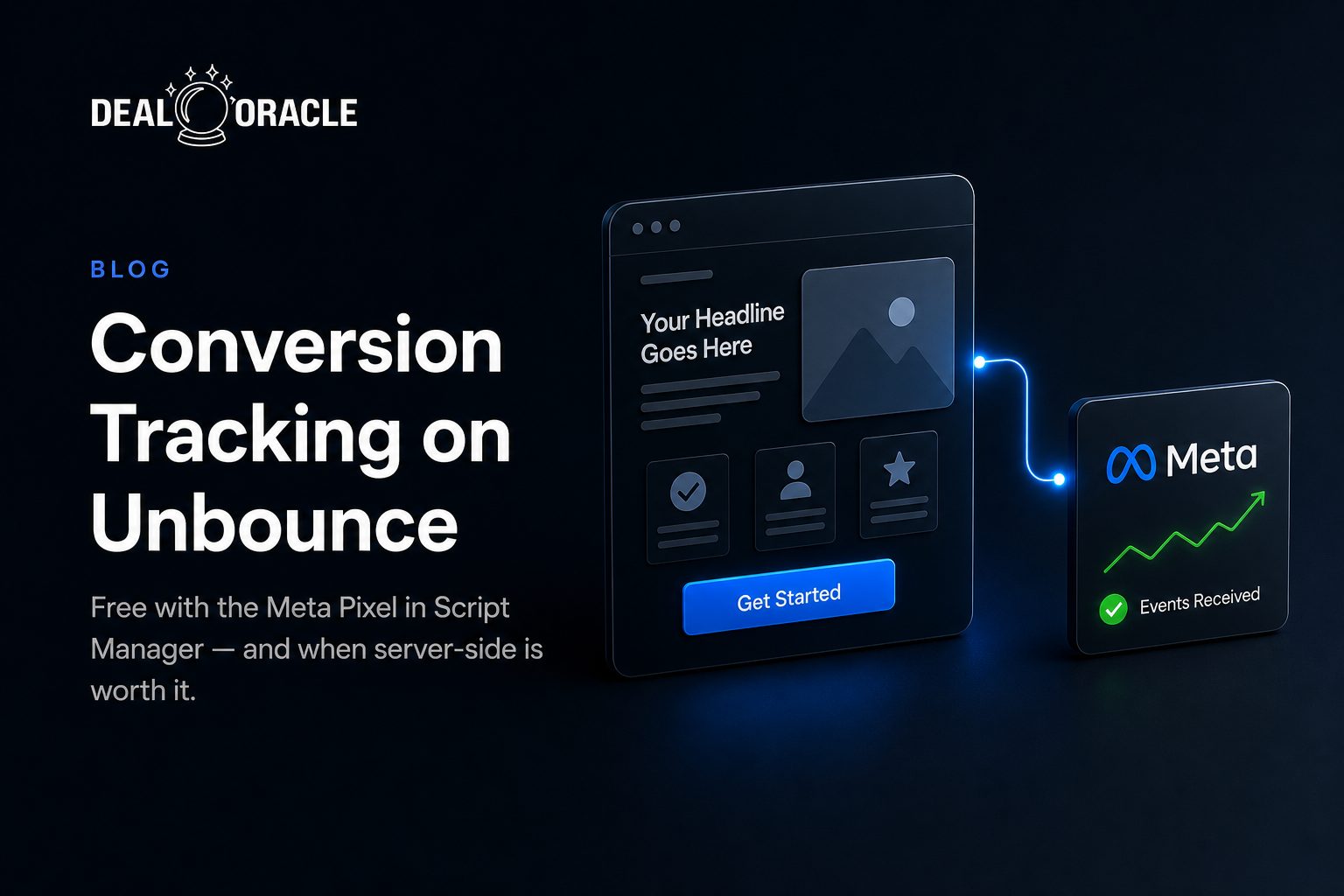
Here's the part specific to Unbounce: Unbounce does not have a native Conversions API integration. What you can do for free is install the Meta Pixel through Script Manager. To get true CAPI, you need GTM server-side or a third-party tool layered on top. We'll do the free Pixel route first, be honest about its limits, then cover the server-side upgrade.
Option 1: The Free Way on Unbounce (Meta Pixel via Script Manager)
Unbounce lets you add custom scripts, including the Meta Pixel base code, across every page on a domain through Script Manager. This is free, included with your plan, and the right first step for most lead-gen pages. Unbounce documents the path in Adding Your Custom Scripts Using Script Manager and the Pixel specifics in Integrating with the Meta (Previously Facebook) Pixel in the Classic Builder.
1. Get your Pixel ID and base code
In Meta Events Manager, select your dataset (Pixel) and copy the base code. You'll either paste the whole snippet (below) or just drop your Pixel ID into Unbounce's field, depending on builder.
2. Open Script Manager
In Unbounce, click Settings in the left-hand menu, choose Script Manager, then click Add a Script in the top-right corner.
3. Add the Pixel and set placement to Head
Name the script (e.g. "Meta Pixel"), paste the base code, and set the Placement to Head so the Pixel initializes early on every page. Script Manager applies it across all pages on a custom domain at once, you don't paste it page by page.
4. Publish and confirm
Save and republish. Per Unbounce's guidance, keep all scripts either in Script Manager or at the page level, don't scatter the same Pixel between both, or it can fire twice. Note Script Manager requires a custom domain; it won't run on the unbouncepages.com test domain.
Using Smart Builder instead of Classic? Unbounce has a separate guide, Installing the Meta (Previously Facebook) Pixel in Smart Builder, where you paste the Pixel ID into a dedicated field.
<!-- Meta Pixel Code -->
<script>
  !function(f,b,e,v,n,t,s){if(f.fbq)return;n=f.fbq=function(){n.callMethod?
  n.callMethod.apply(n,arguments):n.queue.push(arguments)};if(!f._fbq)f._fbq=n;
  n.push=n;n.loaded=!0;n.version='2.0';n.queue=[];t=b.createElement(e);t.async=!0;
  t.src=v;s=b.getElementsByTagName(e)[0];s.parentNode.insertBefore(t,s)}(window,document,
  'script','https://connect.facebook.net/en_US/fbevents.js');
  fbq('init', '<YOUR_PIXEL_ID>');
  fbq('track', 'PageView');
</script>
Where the Free Route Falls Short
The Pixel-in-Script-Manager approach is honest, free, and fine for a lot of campaigns, but be clear about what it can't do:
- It's browser-only. Everything iOS, Safari ITP, and ad blockers strip is simply gone. You're optimizing on a thinned-out fraction of real conversions.
- No CAPI, no server-side recovery. Because Unbounce has no native Conversions API, the Pixel can't be paired with a server-side event to recover the conversions the browser dropped, not without adding GTM-SS or a third-party tool.
- Weak match quality. A raw Pixel passes far less identity data (hashed email, phone, click IDs) than a server event, so Meta matches fewer conversions to real people.
- No deduplication partner. With Pixel-only there's no second, server-side signal to dedupe against, which also means no safety net when the browser event fails.
- Web events only. A landing-page Pixel can't report what happens down-funnel, a lead that later becomes qualified or closes days later in your CRM.
If you genuinely just need basic PageView/Lead signal on a single landing page, the free route is enough. If you're spending real budget and care about accurate ROAS, you'll want server-side.
| Capability | Free Pixel (Script Manager) | DealOracle (native integration) |
|---|---|---|
| Browser Meta Pixel | Yes | Yes |
| Server-side CAPI | No (needs GTM-SS / 3rd party) | Yes, built in, no server |
| Down-funnel CRM events | No | Yes (Qualified / Converted Lead) |
| Hashed PII match quality | Low (raw browser data) | High (hashed email/phone) |
| Event deduplication | No partner event | Shared event_id dedup |
| Google / TikTok too | Separate setup each | Yes, multi-platform |
| Setup effort | ~10 min | OAuth connect + field map |
| Maintenance | Low (but lossy) | None to host or maintain |
Option 2: DealOracle: the Affordable Done-For-You Upgrade
If you want true server-side CAPI on Unbounce but don't want to stand up and babysit a GTM server-side container, DealOracle is the managed shortcut. It has a native Unbounce integration: you connect your Unbounce account, map your form fields, and DealOracle fires the conversions server-side for you.
When a visitor submits a tracked Unbounce form, DealOracle sends a server-side event to Meta CAPI and Google Enhanced Conversions (and TikTok) with:
- Hashed PII, email and phone are hashed before they ever leave, for high match quality
- Recovered
fbc/fbpand click IDs so the conversion attributes to the right ad - A shared
event_idso the browser Pixel and the server event deduplicate cleanly instead of double-counting - Down-funnel events, map pipeline stages to
Qualified Lead,Converted Lead, orPurchase/Sale, conversions a browser Pixel never sees
The honest pitch versus the free route: it covers down-funnel CRM-stage events (not just web events), has no tier cap on the number of events, isn't ecommerce-only, works across Meta + Google + TikTok, and there's nothing for you to host or maintain. It's a done-for-you, managed upgrade, book a demo to see it on your own Unbounce pages.
To add DealOracle's on-page snippet for first-touch attribution, generate it and your client key on DealOracle's Tracking Pixel page (SDK Settings), add your domain to Allowed Domains, then paste the snippet into Unbounce via Settings → Script Manager → Add a Script with Head placement, the same path as the free Pixel above.
<!-- dealoracle snippet -->
<script>
  (function(d,o){
    d.dealoracle=d.dealoracle||function(){var a=Array.prototype.slice.call(arguments);(d.dealoracle.q=d.dealoracle.q||[]).push({method:a[0],args:a.slice(1)})};
    var s=o.createElement('script');s.async=1;
    s.src='https://proxy.trc-kng.com/functions/v1/sdk-serve';
    o.head.appendChild(s);
  })(window,document);
  dealoracle('init', '<YOUR_CLIENT_KEY>');
</script>
Which Should You Choose?
Stick with the free Meta Pixel if you're running a small budget, you only need basic PageView/Lead signal on a landing page, and you're comfortable knowing iOS and ad blockers will quietly cost you a chunk of reported conversions. It's free, fast, and honest about what it is.
Move to server-side, DealOracle, or your own GTM-SS / third-party CAPI setup, when any of these are true:
- You're spending enough that a 20-30% reporting gap distorts your real ROAS
- You need down-funnel events (qualified, converted, closed), not just form submits
- You want strong match quality (hashed email/phone) and clean deduplication
- You're tracking Meta + Google + TikTok and don't want to wire each one up by hand
- You don't want to build and maintain a GTM server-side container
If you'd build the server-side plumbing yourself, GTM-SS is the free-software path (you still pay for hosting and your own time). DealOracle is the managed path that skips the server entirely.
Verify It's Working
Don't trust either setup until you've watched a test event flow end to end.
1. Test the Pixel (free route)
Use Meta's Pixel Helper browser extension on your published Unbounce page to confirm the Pixel fires, then open Meta Events Manager → Test Events and submit your form to watch the event arrive.
2. Test the server-side path (DealOracle)
On DealOracle's Tracking Pixel page, run the Verify Pixel Installation tool against your Unbounce URL to confirm the SDK is loading. Then submit a real test lead and watch for the server-side event in Meta Events Manager → Test Events with your hashed customer parameters and good match quality. Meta documents this flow in Test events in Events Manager. For Google, confirm in Google Ads → conversion diagnostics that Enhanced Conversions data is being received.
Either way, Test Events is the source of truth: if your event shows up there with the right parameters, your tracking is real.
Bottom Line
On Unbounce, the free move is the Meta Pixel in Script Manager, about ten minutes, no cost, and genuinely fine for basic landing-page signal. Just go in knowing it's browser-only: iOS, ITP, and ad blockers will cost you 20-30%+ of reported conversions, and Unbounce can't pair it with native CAPI to recover that. When the gap starts distorting your ROAS, or you need down-funnel CRM events across Meta, Google, and TikTok, server-side is the upgrade, via your own GTM server-side container or DealOracle's managed, no-server native integration.
New to the server-side side of this? Start with our beginner's guide to server-side tracking, then decide which path fits your spend.