
Key Takeaways
- A page snippet alone only runs the **Meta Pixel** (client-side). Real **Conversions API (CAPI)** is server-to-server, Meta's docs say the access token must never live in browser JavaScript, so a header snippet by itself can't do CAPI. - **If you run WooCommerce**, the best free route is the official **Facebook for WooCommerce** plugin: it includes Pixel **and** CAPI out of the box, with automatic deduplication. Setup is a few clicks (**Marketing → Facebook → Get Started**), ~15 minutes. - **If you're NOT on WooCommerce** (lead-gen pages, a custom theme, a non-ecommerce site), a header snippet only gives you the Pixel. Free CAPI then needs a plugin like **PixelYourSite** or a **server-side GTM** container, both come with config and maintenance. - DealOracle is the affordable **done-for-you** upgrade for non-Woo / lead-gen sites: one snippet, server-side events to **Meta + Google + TikTok**, hashed PII, recovered fbc/fbp, shared event_id dedup, plus **down-funnel CRM-stage** events, no plugin or GTM container to babysit. - Whichever route you pick, verify it in **Meta Events Manager → Test Events** before trusting the data.
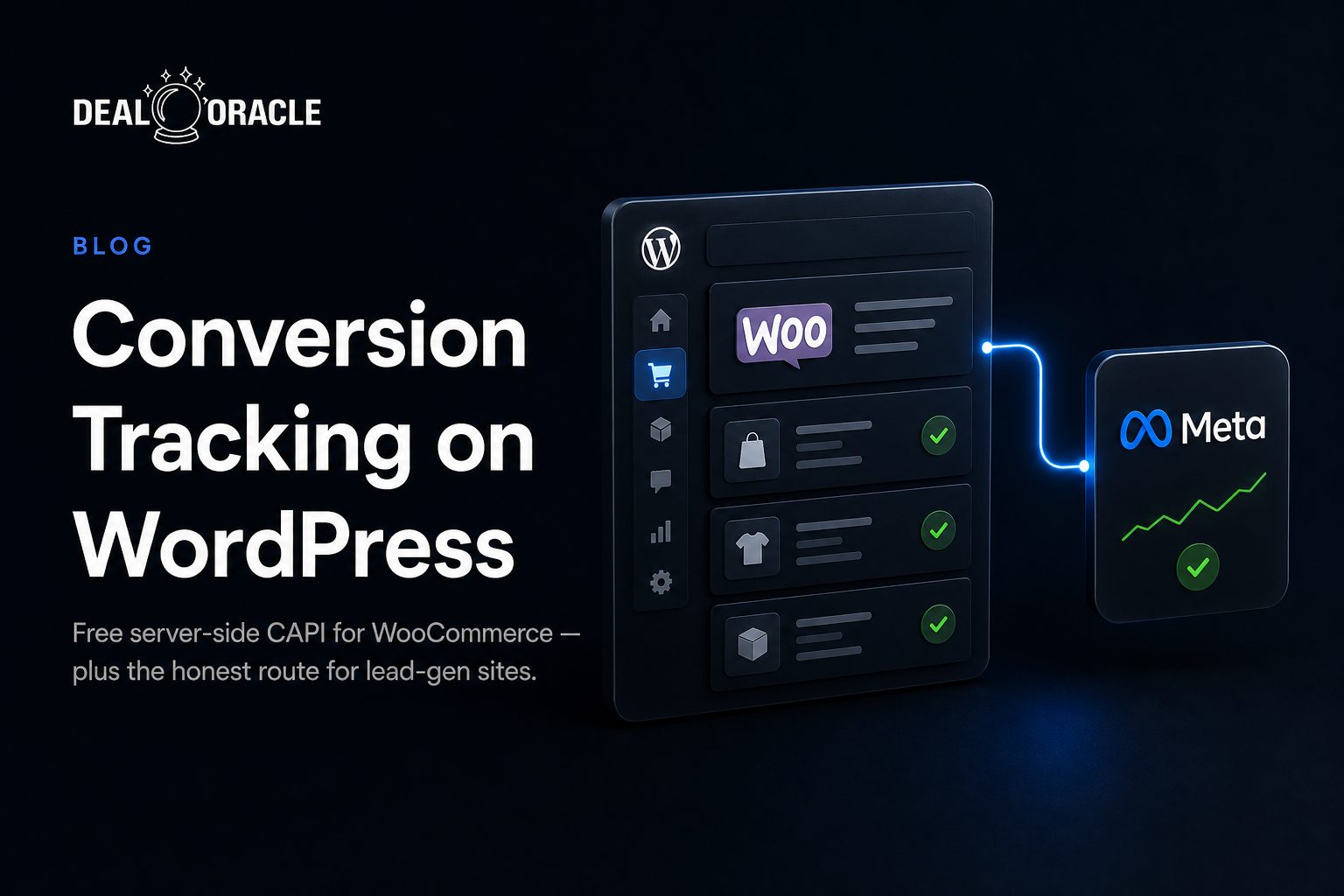
WordPress powers a huge share of the lead-gen and ecommerce web, but out of the box it tracks zero conversions for your ad platforms. If you run paid traffic to a WordPress site, the question isn't whether to set up conversion tracking, it's which method, because the right answer depends entirely on whether you're running WooCommerce.
This guide is honest about that split. There's a genuinely free, native route that's excellent for WooCommerce stores, a workable-but-fiddlier free route for everyone else, and a paid done-for-you upgrade when the free path stops being enough. We'll do the free way first.
Pixel vs CAPI: What You're Actually Setting Up
This is the single fact that determines everything else. There are two layers to conversion tracking:
- The Meta Pixel is client-side JavaScript. It loads in the visitor's browser, is free, and is easy to install with a snippet. But it loses 20-30%+ of conversions to iOS/Safari ITP, ad blockers, and page navigations that unload before the pixel reports.
- The Conversions API (CAPI) is server-to-server. Your server sends the event directly to Meta, where browsers can't block it. Per Meta's Conversions API documentation, the API requires an access token that must never be exposed in client-side JavaScript.
That last point is why a header snippet alone can never be real CAPI. A snippet runs in the browser; CAPI needs a server. To get CAPI on WordPress you need one of: the platform's native CAPI feature (what the Facebook for WooCommerce plugin gives you), a plugin that runs CAPI server-side, a server-side GTM container, or a managed service. New to this distinction? Start with the server-side tracking beginner's guide.
Option 1: The Free / Native Way on WordPress
The free path forks based on your stack. Pick your branch.
If you run WooCommerce: the official Facebook plugin (best free route)
The Facebook for WooCommerce plugin includes the Meta Pixel and the Conversions API out of the box, for free. Once it's set up, CAPI is implemented automatically, and the plugin deduplicates browser and server events using a shared event ID, so nothing double-counts. This is the official, Meta-built integration, and for a WooCommerce store it's genuinely the right answer.
- In WordPress, go to Plugins → Add New, search for Facebook for WooCommerce, then Install and Activate it.
- Go to Marketing → Facebook and click Get Started.
- Click Continue and confirm your settings, then authorize the connection by choosing Manage your business and selecting your Business Manager, pixel, and ad account.
- Finish the flow, Pixel and CAPI are now both live, with deduplication handled for you.
Full steps are in the Meta for WooCommerce documentation, and Jon Loomer's walkthrough, How to Set Up Conversions API with the Facebook for WordPress Plugin, confirms CAPI ships free in the plugin.
If you're NOT on WooCommerce: snippet = Pixel only
For a non-ecommerce WordPress site, lead-gen landers, a custom theme, a brochure site, there's no native CAPI to flip on. Pasting Meta's base Pixel code into your <head> gives you the client-side Pixel only. That's still useful (it's free and fast), but remember it loses the 20-30% the Pixel can't see.
Add the base Pixel using a header/footer plugin like WPCode (Code Snippets → Header & Footer → Header), or your child theme's wp_head hook. Replace <YOUR_PIXEL_ID> with your pixel ID from Meta Events Manager:
<!-- Meta Pixel Code -->
<script>
  !function(f,b,e,v,n,t,s){if(f.fbq)return;n=f.fbq=function(){n.callMethod?
  n.callMethod.apply(n,arguments):n.queue.push(arguments)};if(!f._fbq)f._fbq=n;
  n.push=n;n.loaded=!0;n.version='2.0';n.queue=[];t=b.createElement(e);t.async=!0;
  t.src=v;s=b.getElementsByTagName(e)[0];s.parentNode.insertBefore(t,s)}(window,document,
  'script','https://connect.facebook.net/en_US/fbevents.js');
  fbq('init', '<YOUR_PIXEL_ID>');
  fbq('track', 'PageView');
</script>
To add free CAPI on a non-Woo site, you then need to layer on one of two things:
- A plugin such as PixelYourSite, its free version on WordPress.org supports the Pixel plus CAPI server-side events, sending each event by both browser and Conversions API so Meta can deduplicate. You configure which events fire and map them to your forms.
- A server-side GTM container, maximum flexibility, but you host and maintain the tagging server yourself.
Where the Free Route Falls Short
The free routes are good, but they have honest limits, and they differ by branch:
- WooCommerce plugin: ecommerce-only. It tracks store events (ViewContent, AddToCart, Purchase). If your conversions are form fills, bookings, or applications on non-product pages, the plugin doesn't cover them.
- No down-funnel CRM events. Neither the Woo plugin nor a base Pixel knows when a lead later becomes qualified or closed in your CRM. You optimize on the top-of-funnel form fill, not the sale.
- Non-Woo CAPI = ongoing maintenance. A plugin like PixelYourSite or a GTM-SS container is one more thing to configure, update, and debug when an event stops firing.
- Meta-only by default. The native free routes target Meta. Adding Google Enhanced Conversions or TikTok Events API server-side means repeating the whole setup per platform.
- Match quality depends on what you pass. Server-side accuracy lives or dies on hashed email/phone and recovered
fbc/fbp. The free routes don't always send rich, hashed identifiers, see improving Facebook event match quality (EMQ).
| Capability | Free / Native (WooCommerce plugin or Pixel + plugin/GTM) | DealOracle |
|---|---|---|
| Meta Pixel (client-side) | Yes | Yes |
| Server-side CAPI | Yes on WooCommerce (native); non-Woo needs a plugin or GTM-SS | Yes, built in |
| Down-funnel CRM-stage events | No | Yes (Qualified Lead, Converted Lead, Sale) |
| Hashed PII match quality | Depends on what the plugin passes | Hashed email/phone sent automatically |
| Event deduplication | Yes on Woo plugin; manual elsewhere | Shared event_id, automatic |
| Google + TikTok too | Separate setup per platform | Meta + Google + TikTok from one install |
| Works on non-ecommerce / lead-gen pages | Pixel yes; native CAPI no | Yes |
| Setup effort | Few clicks (Woo) to moderate (plugin/GTM) | One snippet + a Lead event |
| Ongoing maintenance | Plugin updates / GTM container upkeep | None, fully managed |
Option 2: DealOracle: the Affordable Done-For-You Upgrade
If the free route covers you, use it, really. DealOracle earns its place when the free path runs out of road: you're not on WooCommerce, you're tracking lead-gen form fills instead of product purchases, you want down-funnel CRM events, or you simply don't want to maintain a plugin or a GTM server.
DealOracle is a managed server-side layer. You paste one snippet into your WordPress <head> and fire a Lead event on form submit. From there it sends events server-side to Meta, Google, and TikTok, with hashed email/phone, recovered fbc/fbp, and a shared event_id for clean deduplication. For CRM-driven businesses it also maps down-funnel pipeline stages to standard events, so you can optimize on the sale, not just the form fill, with no per-tier cap on events and nothing to host. DealOracle sends server-side events with hashed PII, recovers fbc/fbp, and generates shared event_ids automatically, book a demo.
What it adds over the free WordPress routes:
- Works on any WordPress site, lead-gen, custom theme, or store, not just WooCommerce.
- Down-funnel CRM-stage conversions, not only top-of-funnel web events.
- Meta + Google + TikTok from a single install instead of three separate setups.
- No plugin or GTM container to maintain, the server side is fully managed.
<!-- dealoracle snippet -->
<script>
  (function(d,o){
    d.dealoracle=d.dealoracle||function(){var a=Array.prototype.slice.call(arguments);(d.dealoracle.q=d.dealoracle.q||[]).push({method:a[0],args:a.slice(1)})};
    var s=o.createElement('script');s.async=1;
    s.src='https://proxy.trc-kng.com/functions/v1/sdk-serve';
    o.head.appendChild(s);
  })(window,document);
  dealoracle('init', '<YOUR_CLIENT_KEY>');
</script>
Grab your client key and this snippet from the DealOracle Tracking Pixel page (SDK Settings), add your site domain to Allowed Domains, and paste the snippet into your <head> the same way you'd add any header code, a plugin like WPCode, your child theme's wp_head hook, or Elementor Custom Code. Then fire a conversion on form submit:
dealoracle('identify', email, { email: email, phone: phone });
dealoracle('track', 'Lead');
The SDK methods are dealoracle('page'), ('track','Lead'), ('identify', userId, {email, phone}), and ('reset'). The identify call hashes the email and phone client-side, so raw PII never leaves the browser.
Which Should You Choose?
Honest guidance:
- Stick with the free WooCommerce plugin if you run a WooCommerce store, your conversions are product purchases, and you only advertise on Meta. It's free, native, and deduplicates for you, there's no reason to pay for something else.
- Use the free Pixel + plugin/GTM route if you're comfortable configuring and maintaining a CAPI plugin or a server-side container, and Meta is your only channel.
- Choose DealOracle if you're not on WooCommerce, you track lead-gen form fills or down-funnel CRM stages, you want Google/TikTok server-side too, or you'd rather not babysit a plugin or GTM container. It's the affordable, managed path when accuracy and breadth matter more than doing it yourself.
Verify It's Working
No matter which route you took, confirm it before trusting the numbers:
- Meta Events Manager → Test Events. Submit a real form (or place a test order on WooCommerce). Confirm the event arrives, and on a CAPI route confirm you see both a browser and a server event that deduplicate to one. If you see two undeduplicated events, you're missing a shared key, see the missing deduplication key fix.
- Check match quality. In Events Manager, look at the event match quality score to confirm hashed identifiers are landing.
- DealOracle Verify Pixel Installation (Option 2). On the Tracking Pixel page, run the Verify Pixel Installation tool to confirm the SDK loads on your domain and
initfires. If it fails, recheck that your domain is in Allowed Domains and the snippet sits in the<head>.
For Google, use your Google Ads conversion diagnostics to confirm Enhanced Conversions are receiving data.
Bottom Line
The right WordPress conversion-tracking setup depends on your stack. WooCommerce stores should start with the free, official Facebook for WooCommerce plugin, it ships Pixel and CAPI with deduplication for free, and that's hard to beat. Non-Woo and lead-gen sites get the Pixel free from a header snippet, but real CAPI means adding a plugin or a GTM server you'll maintain, and that's where a managed layer like DealOracle pays for itself, especially if you need down-funnel CRM events across Meta, Google, and TikTok. Whatever you choose, prove it in Meta's Test Events. For the bigger picture on why server-side beats the browser pixel, read the server-side tracking beginner's guide.