
Understanding Event ID Mismatch Errors
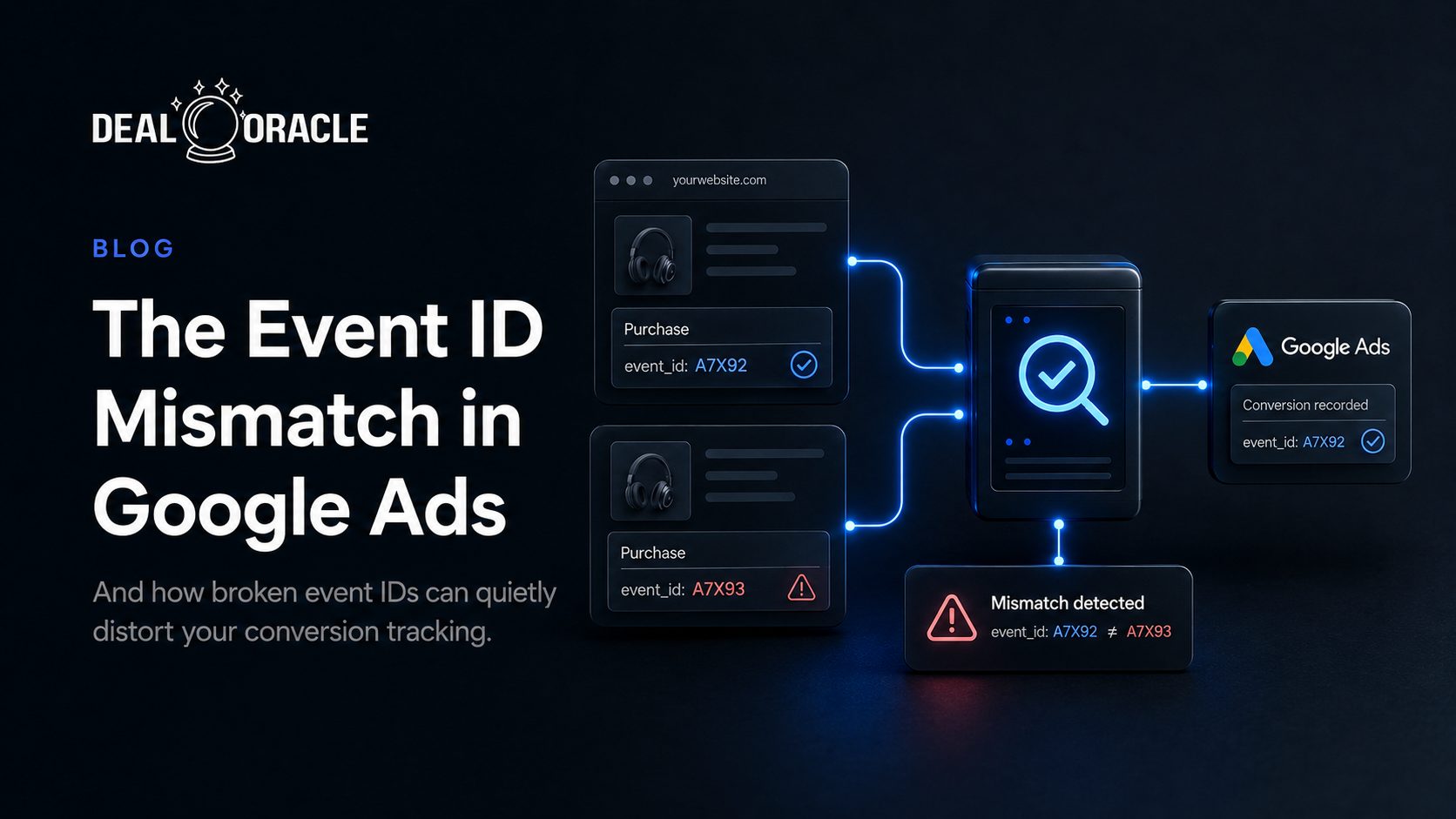
Google Enhanced Conversions for Leads requires consistent event identification between your online conversion tracking and offline conversion imports. When these don't match, you'll see "Event ID Mismatch" errors in your Google Ads conversion reports.
Common Causes
- Inconsistent Order/Transaction IDs - Using different identifiers in your gtag and your conversion upload
- Timing Issues - Uploading conversions before the original click is recorded
- Missing GCLID - Not capturing the Google Click ID from URL parameters
- Data Format Mismatches - Phone numbers or emails not properly formatted
How Enhanced Conversions Work
Google Enhanced Conversions use first-party data (hashed email, phone, name, address) to match conversions to ad clicks. The process:
- User clicks ad, arrives on your site with gclid parameter
- User submits form with their contact information
- You send conversion with hashed user data to Google
- Google matches the hashed data to the original click
DealOracle's Solution
DealOracle ensures consistent event identification and proper data formatting:
Automatic GCLID Capture
DealOracle captures the gclid parameter when a lead first arrives on your site and stores it with the lead record. This ensures the click ID is always available when sending conversions.
Proper Data Hashing
Google requires specific formatting before hashing:
- Email: lowercase, trimmed
- Phone: E.164 format with country code
- Name: lowercase, trimmed
DealOracle normalizes all data before SHA-256 hashing.
Consistent Event IDs
DealOracle generates deterministic event IDs based on the lead and conversion event, ensuring consistency across multiple systems.
Setting Up Google Enhanced Conversions
Step 1: Enable in Google Ads
- Go to Google Ads → Tools & Settings → Conversions
- Select your conversion action
- Click "Enhanced conversions" and enable it
- Choose "API" as the implementation method
Step 2: Connect DealOracle
- In DealOracle, go to Integrations → Google
- Click "Connect with Google"
- Select your Google Ads account
- Choose the conversion action to enhance
Step 3: Capture GCLID on Forms
Add a hidden field to capture the gclid:
<input type="hidden" name="gclid" id="gclid" />
<script>
  const params = new URLSearchParams(window.location.search);
  document.getElementById('gclid').value = params.get('gclid') || '';
</script>
Verification Steps
- Send a test conversion from DealOracle
- Wait 24-48 hours for processing
- Check Google Ads → Conversions → Diagnostics
- Verify "Match rate" is above 80%
Troubleshooting Tips
- Low match rate? Ensure you're capturing gclid on all landing pages
- Events not appearing? Check conversion action settings match
- Duplicate conversions? Verify event deduplication is enabled
Conclusion
Event ID Mismatch errors in Google Ads are preventable with proper setup. DealOracle handles the technical complexity of Enhanced Conversions, ensuring your conversion data matches correctly and your campaigns optimize effectively.