Key Takeaways
- GA4 and Google Ads have **never matched 1:1**, they use different attribution models, different counting methods, and different conversion modeling. - The most common silent killer is **double counting**: tracking the same action as both a GA4 imported conversion and a native Google Ads tag. Pick one source and set the duplicate to *Secondary*. - Use **"One" counting for lead gen** (one conversion per click) and **"Every" counting for ecommerce** (every transaction). The wrong setting distorts CPA and ROAS. - A gap of roughly **<20-30% is normal**. Bigger gaps, or numbers trending in opposite directions, signal a misconfiguration, not modeling. - **Enhanced Conversions for Leads** ties hashed form data to downstream CRM outcomes; check the diagnostics tab for match rate and confirm hashed data is sent the moment the conversion fires.
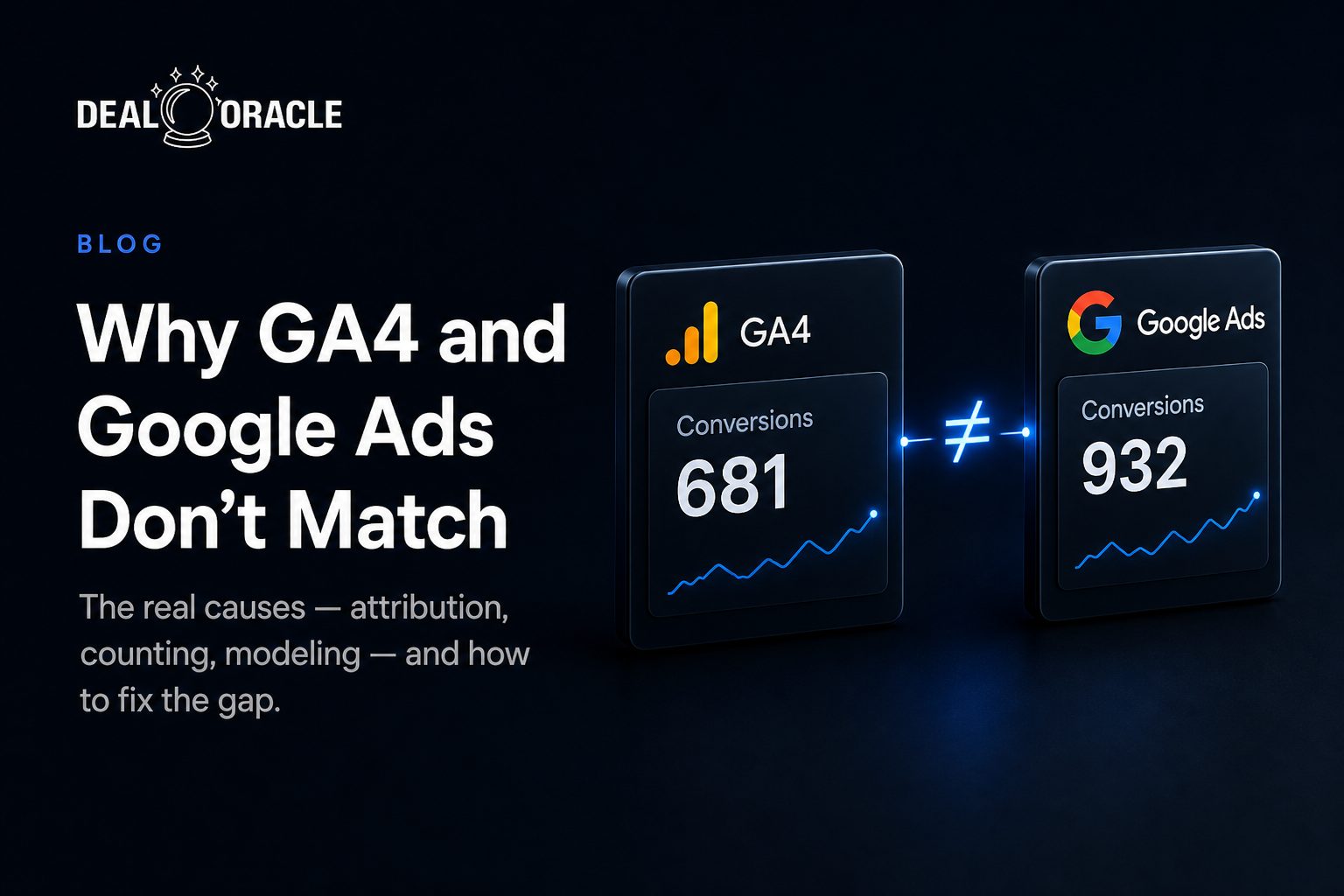
You open Google Ads and see 142 conversions for the month. You open GA4, look at the same campaign, and see 196. Same ads, same budget, same dates, two different numbers. Then someone on the team asks which one is "real," and the meeting goes sideways.
Here is the truth that ends the argument: GA4 and Google Ads were never designed to match. They are two tools answering two different questions. Google Ads asks "which ad interactions drove conversions?" GA4 asks "how did people move through the entire journey to convert?" Those are different questions, so they produce different answers, by design.
The Problem
The mismatch itself is not the problem. A persistent, unexplained gap is. When you can't reconcile the two reports, three bad things happen:
- You optimize on the wrong number. Google's Smart Bidding optimizes against the conversions inside Google Ads. If those are double-counted or miscounted, every automated bid decision inherits the error.
- Your CPA and ROAS lie. Half the conversions in one tool plus a distorted counting method equals a cost-per-acquisition you can't trust, and budget decisions made on top of it.
- You lose confidence in the data entirely. Teams start ignoring both reports and run on gut feel, which is the worst outcome of all.
A gap of roughly 20-30% is expected and healthy. The goal of this guide isn't to make the numbers identical, that's impossible. It's to get the gap inside the normal band and explainable, so you know modeling is the cause and not a broken setup.
Why It Happens
There are two root causes, and almost every reconciliation problem traces back to one of them.
1. Different attribution models
Google Ads is ad-centric and click-based. It only counts conversions it can tie back to an ad interaction (a click or, for video, an engaged view), and it credits them according to the campaign's attribution setting. GA4 looks at the full cross-channel journey, organic, direct, email, referral, and paid, and applies its own data-driven attribution across all of it. A conversion GA4 credits partly to "Organic Search" may be credited entirely to a Google Ads click inside Google Ads, or not appear there at all.
Google Ads also relies heavily on modeled conversions to fill gaps left by consent mode and privacy restrictions, while GA4 applies behavioral and conversion modeling of its own. The two models rarely land on the same total. Per Google Ads Help, conversion columns in Google Ads reflect ad-interaction attribution, which is fundamentally narrower than GA4's journey view.
2. Different conversion-counting methods
This is the one most people miss. Google Ads lets you choose how many conversions a single click can produce:
- "One", counts a maximum of one conversion per ad click. This is correct for lead generation, where one person filling out a form five times is still one lead.
- "Every", counts every conversion after a click. This is correct for ecommerce, where the same shopper buying three times is three real transactions.
GA4's key-event counting doesn't map cleanly onto either choice, so if your Google Ads counting method is set wrong for your business type, the gap widens and your CPA/ROAS distort accordingly.
The silent killer: double counting
The single most common cause of an inflated gap is tracking the same action twice, once as a GA4 conversion imported into Google Ads, and once via a native Google Ads conversion tag on the same page. Google Ads now counts both. Your Lead total quietly doubles, Smart Bidding over-values that action, and your CPA looks artificially cheap until you scale and the leads don't show up.
A 2026 wrinkle you need to know
As of April 2026, GA4 changed how it treats certain events:
- A
generate_leadevent fired without a value is still recorded, but it is no longer counted as a key event. If your lead form doesn't pass a value, your GA4 "conversions" can silently drop to zero while Google Ads keeps counting. begin_checkoutwas reclassified and is no longer a key event by default. If you imported it into Google Ads expecting it to keep counting, it won't, without re-enabling it.
Either change can make GA4 and Google Ads diverge overnight with no code change on your end.
| Dimension | GA4 | Google Ads |
|---|---|---|
| Attribution model | Full cross-channel journey, data-driven across all sources | Ad-centric, click/engaged-view based on the campaign's attribution setting |
| Counting method | Key-event based (one per session-ish, by event) | "One" (lead gen) or "Every" (ecommerce), configurable per action |
| Modeling | Behavioral + conversion modeling for unconsented/gappy data | Modeled conversions to fill consent-mode and privacy gaps |
| Lookback window | Up to 90 days (acquisition), configurable | Up to 90 days click / 3 days engaged-view, set per conversion action |
| What counts as a conversion | Any event marked a key event (subject to 2026 value rules) | Only conversions attributable to an ad interaction |
How to Fix It
Work these steps in order. The first three resolve the majority of inflated gaps.
Step 1: Find and kill double counting
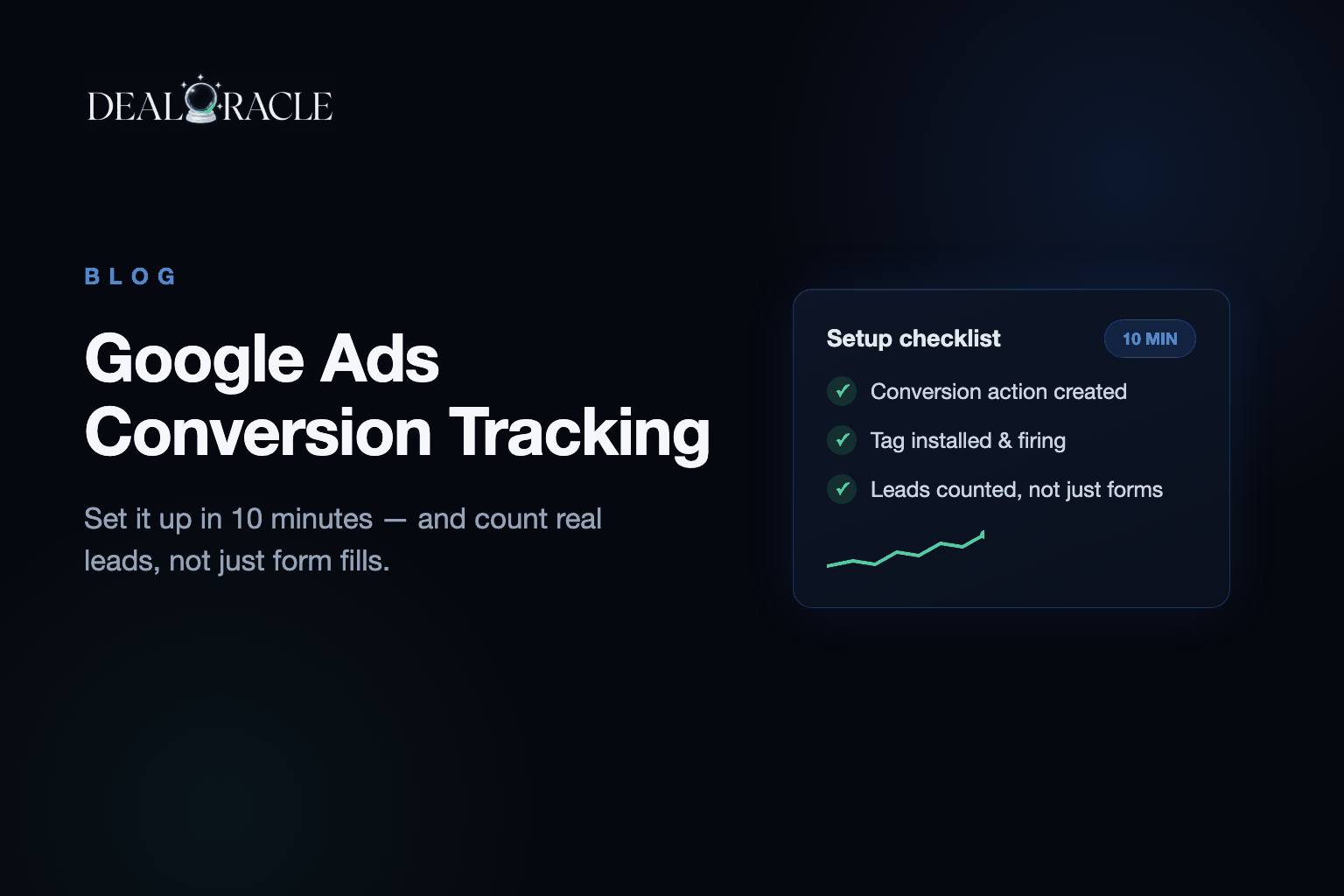
In Google Ads, go to Goals → Conversions → Summary. Look for two actions that represent the same event, typically one labeled like a GA4 import (GA4 (web) Lead) and one native tag (Lead). If both have Conversion action set to "Primary," you are double counting.
Pick one source of truth. Set the duplicate's "Conversion action" to Secondary so it still reports but no longer feeds bidding or your headline conversion column. Do not delete it, Secondary keeps the history without polluting optimization.
Step 2: Set the right counting method
For each primary conversion action, open it and check Count:
- Lead gen (form fills, calls, demo requests): set to "One."
- Ecommerce (purchases): set to "Every."
Getting this wrong is a direct CPA/ROAS distortion, not a rounding error.
Step 3: Align attribution settings and windows
Match your conversion lookback window in Google Ads to how you think about the buying cycle, and remember GA4's window is set separately. You will not make the models identical, but aligning windows removes a chunk of the gap. Confirm the attribution setting on each conversion action is intentional rather than left on a default.
Step 4: Audit your GA4 key events for the 2026 rules
In GA4, go to Admin → Events → Key events. Confirm generate_lead is firing with a value (even a static placeholder value works) so it still counts as a key event. If you rely on begin_checkout, verify it's still marked as a key event, it is no longer one by default after April 2026, and re-enable it if needed.
Step 5: Verify Enhanced Conversions for Leads
If you're running lead gen, Enhanced Conversions for Leads is what ties your ads to real revenue. It hashes first-party data from the form (usually email), matches it inside Google, then lets you upload downstream CRM outcomes (qualified, closed-won) against those hashed leads. Per the Enhanced Conversions developer docs, the hashed identifiers must be captured and sent at the moment the conversion fires.
Open the conversion action's Diagnostics tab and check two things:
- The match rate, low match rate means your hashed data isn't landing.
- That hashed data is actually being sent with the event, not after the fact.
If the diagnostics show data isn't arriving, the fix is upstream in how the form submission sends the conversion, which is exactly where most setups break.
Step 6: Move conversions server-side
Browser-based tags lose data to ad blockers, ITP, consent mode, and dropped beacons, and that loss shows up as an unexplained gap. Sending the conversion server-side, with hashed first-party data attached, is the most durable fix. New to this? Start with our server-side tracking beginner's guide.
Don't chase a perfect match
If you tune settings until GA4 and Google Ads show the exact same number, you've almost certainly broken something, usually by stripping out modeling or under-counting. The target is a *stable, explainable* gap inside the 20-30% band, not zero.
How DealOracle Handles This
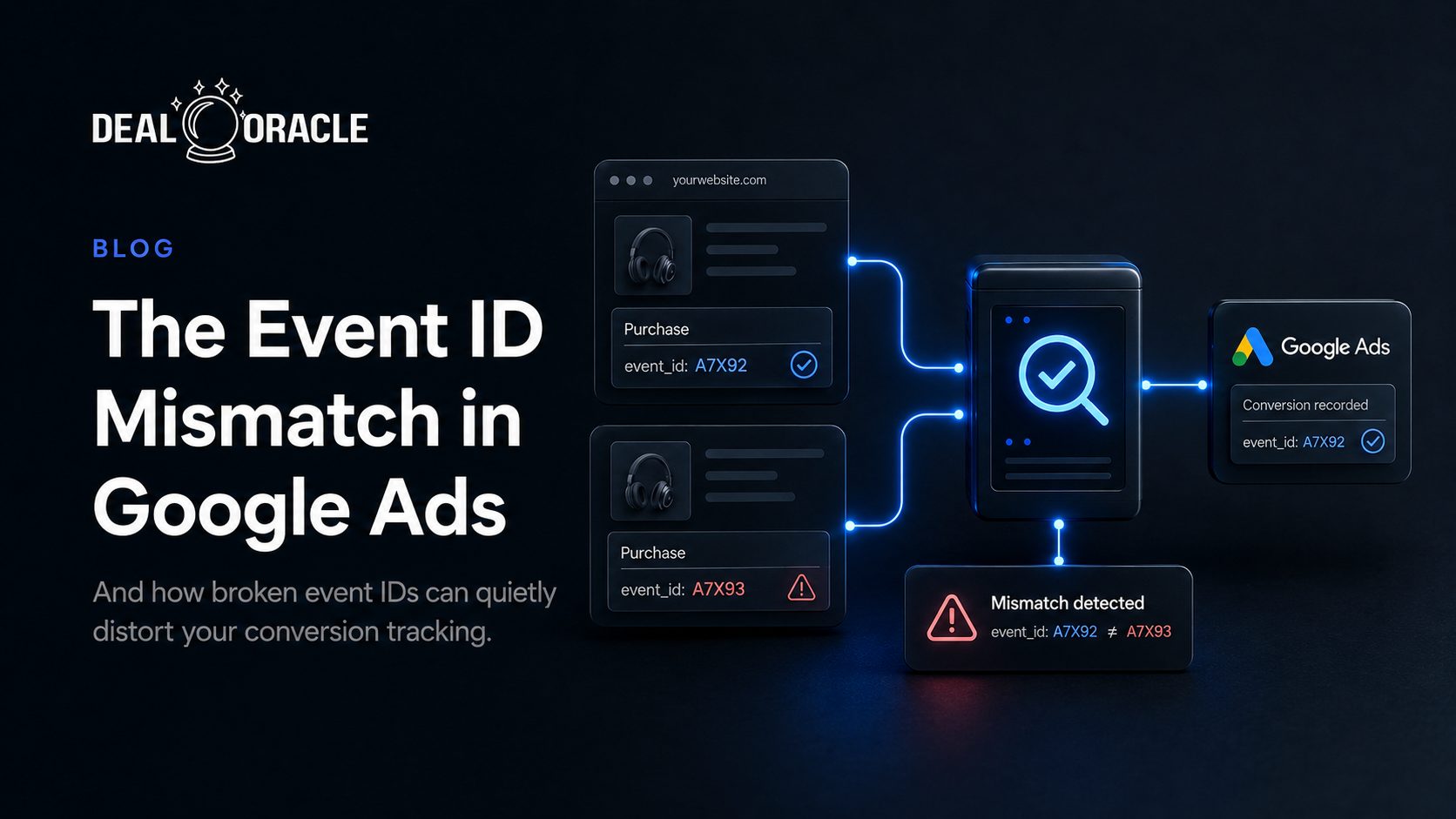
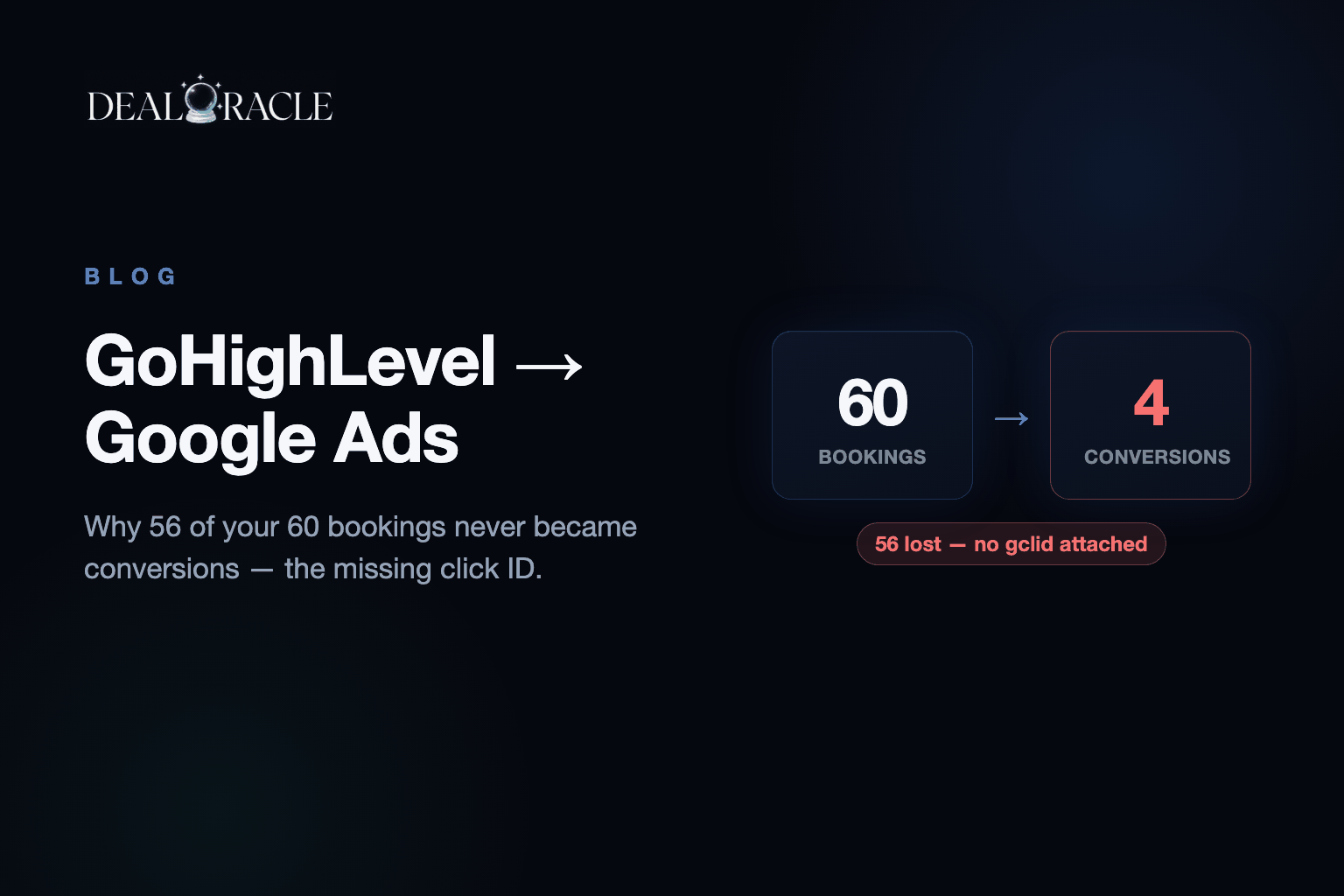
Most reconciliation problems are really data-delivery problems: the conversion fires in the browser, loses its identifiers to privacy restrictions, and arrives at Google incomplete, or doesn't arrive at all. DealOracle fixes that at the source. It sends server-side conversions with hashed first-party PII attached at the moment the event fires, recovers click identifiers (gclid, fbc/fbp) that browsers drop, and generates shared event_ids so the same action is never counted twice across browser and server. That kills double counting, lifts your Enhanced Conversions match rate, and pulls the GA4-to-Google-Ads gap back into the normal band.
- Hashed first-party data on every event, higher Enhanced Conversions match rates, fired at conversion time.
- Recovered click IDs,
gclid,fbc, andfbpcaptured before browsers strip them. - Shared event_ids, automatic deduplication so browser and server events count once.
- One clean source of truth, no more guessing which report to trust.
See it on your own account, book a DealOracle demo.
Bottom Line
GA4 and Google Ads will never show the same number, and they're not supposed to. Your job isn't to make them match, it's to make the gap small, stable, and explainable. Kill double counting, set the right counting method, align your windows, account for the 2026 key-event changes, and verify Enhanced Conversions match rate in diagnostics. When the conversion data arrives complete and deduplicated, the gap closes on its own.
If your numbers are still off after that, the problem is usually duplicate or mismatched event identifiers feeding Google Ads, see Event ID mismatch in Google Ads for the fix.