Key takeaways
- On June 15, 2026 Google stopped accepting new offline conversion imports through the Google Ads API. The feed that tells Google which leads became sales moved to a different door: the Data Manager API. - If you send closed deals through one of Google's own connectors or through the Google tag, nothing changed. Close this tab. - If someone wrote code for it, that code stopped working, silently. No error in your account, just a flat line. - Google's automatic bidding does not announce that it stopped receiving your sales. It goes back to optimising on form fills. - Check the last recorded date on your offline conversion action. If it stops in June and your setup is custom code, that is it.
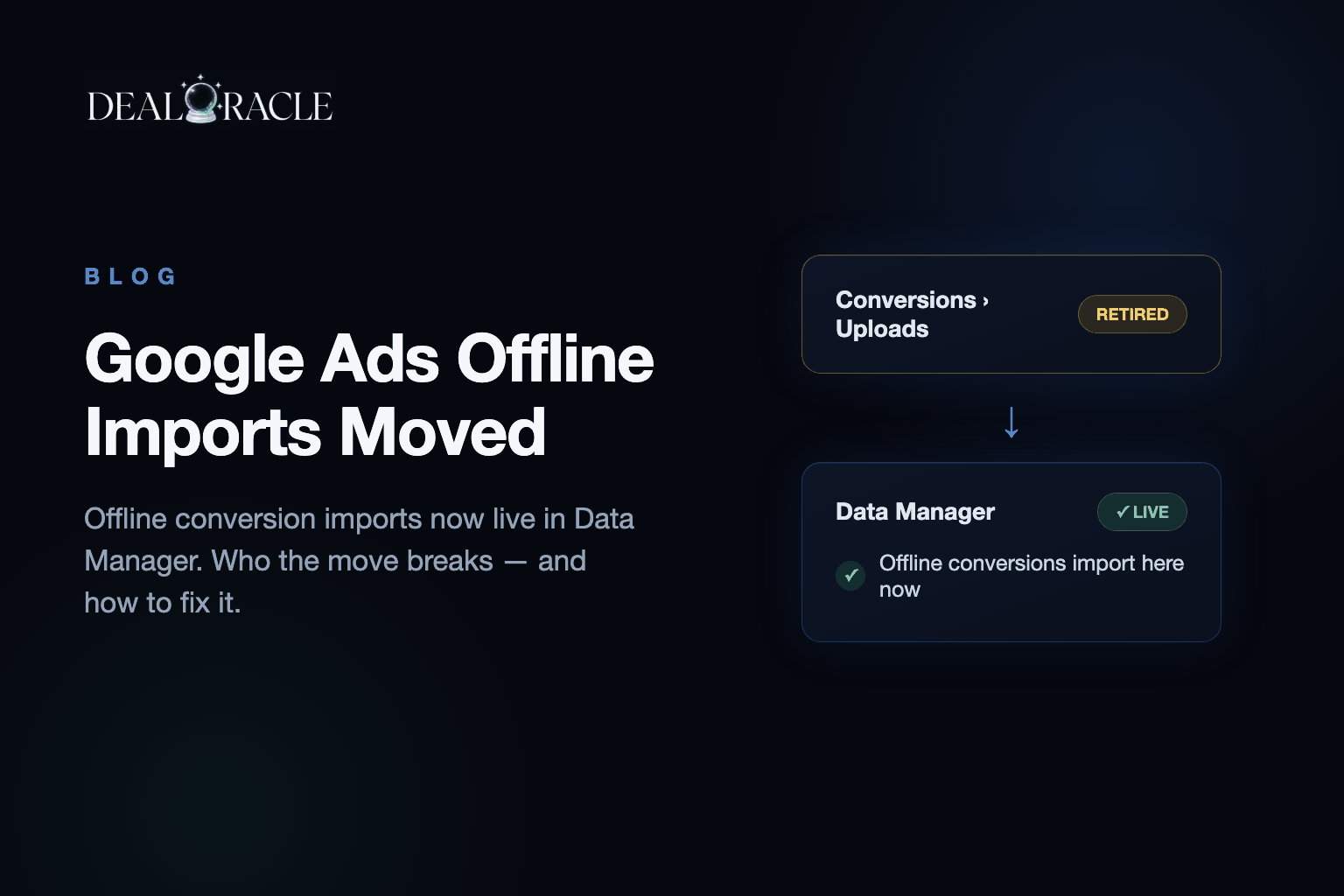
On the fifteenth of June, Google stopped accepting new offline conversion imports through the Google Ads API. That is the feed that tells Google which of your leads actually turned into sales.
If your closed deals quietly stopped showing up in Google Ads around then, you did not break anything. Your developer did not break anything either. The door was closed from the other side.
The Problem
Take the panic down a notch first, because most coverage won't. If you send those sales back using one of Google's own connectors, or through the Google tag, nothing changed for you. Nothing.
The change hits one group: anyone whose closed deals reach Google through code written against the Google Ads API. Offline conversion imports and the enhanced conversions for leads uploads both moved out of that API and into a different one, called the Data Manager API. The old door closed. The new one has a different shape.
Why It Hurts More Than It Looks
Google's automatic bidding learns from what you send it. When you were sending closed deals, it was learning what a buyer looks like and going to find more of them. When the feed stopped, it did not tell you. It went back to optimising on the only thing it could still see: form fills. Every form fill, with the tire kickers and the real buyers weighted exactly the same. That is precisely the problem you set the whole thing up to solve.
Two numbers make the cost concrete. Google wants at least thirty conversions a month for target cost per action to stay stable, and fifty for target return on ad spend. Feed it a flat line and it has nothing to learn from.
And there is a deadline. Conversions carrying customer data have to be uploaded within sixty-three days of the click. The deals you lost in the months since June are not coming back. Fix the feed today and you only lose what is already gone.
| How your closed deals reach Google | Affected? | What to do |
|---|---|---|
| One of Google's own connectors (HubSpot, Salesforce, Zapier and similar) | No | Nothing. Verify the last conversion date anyway. |
| The Google tag with enhanced conversions | No | Nothing. |
| Code your team or agency wrote against the Google Ads API | Yes | Move the upload to the Data Manager API, or to a tool that already did. |
| A tracking platform that sends CRM deals for you | Depends on the platform | Ask them which API they upload through and when they migrated. |
How to Check and Fix It
1. Check the last recorded date
Google Ads, then Goals, then Conversions, then Summary. Open your offline conversion action and look at the last date a conversion was recorded. If it stops in June and you have closed deals since, you have found it.
2. Find out how the deals were being sent
Ask whoever set it up one question: connector, tag, or code? Connector and tag, you are fine. Code, keep reading.
3. Move the upload to Data Manager
In Google Ads, open Tools, then Data Manager. This is where the connectors now live and where the new API is documented. Custom code has to be rewritten against the Data Manager API. The request is different and the endpoint is different, so this is a rewrite, not a config change.
4. Backfill what you still can
Anything inside the sixty-three-day window can be uploaded once the new feed works. Anything older is gone. Do this the same day the feed comes back, not next month.
5. Watch the action for a week
The last recorded date should start moving again within a day. Give it a week of real closes before you trust that the bidding is learning again.
Nothing in your account flags this
The campaign keeps spending, the form fills keep counting, and the only symptom is a conversion action whose last recorded date stopped moving. Check it today even if you think you are on a connector.
How DealOracle Handles This
DealOracle sends closed deals from your CRM to Google for you, and made the move to the new upload path so you did not have to. When a deal's stage changes, it sends the conversion with the original click code and the customer's email and phone, inside the upload window, so Google's bidding keeps learning from buyers rather than form fills. If you are on custom code today, the checklist above is the work. If you would rather not own it, this is the alternative.
Bottom Line
Google moved the door, not the feature. If your closed deals reach Google through a connector or the tag, nothing changed. If they reach it through code, that code has been silently failing since June 15, 2026, your bidding has been learning from form fills ever since, and the clock on backfilling is already running. Check the last recorded date on your offline action today. It takes two minutes and it is the only place this shows.