
The Problem
If you're seeing "Missing Deduplication Key" errors in Facebook Events Manager, you're not alone. This is one of the most common issues marketers face when implementing Facebook Conversions API (CAPI).
The error occurs when conversion events are sent to Facebook without the required deduplication parameters: event_id and event_name. Without these, Facebook can't properly deduplicate events between browser-side pixel tracking and server-side CAPI events.
Why Deduplication Matters
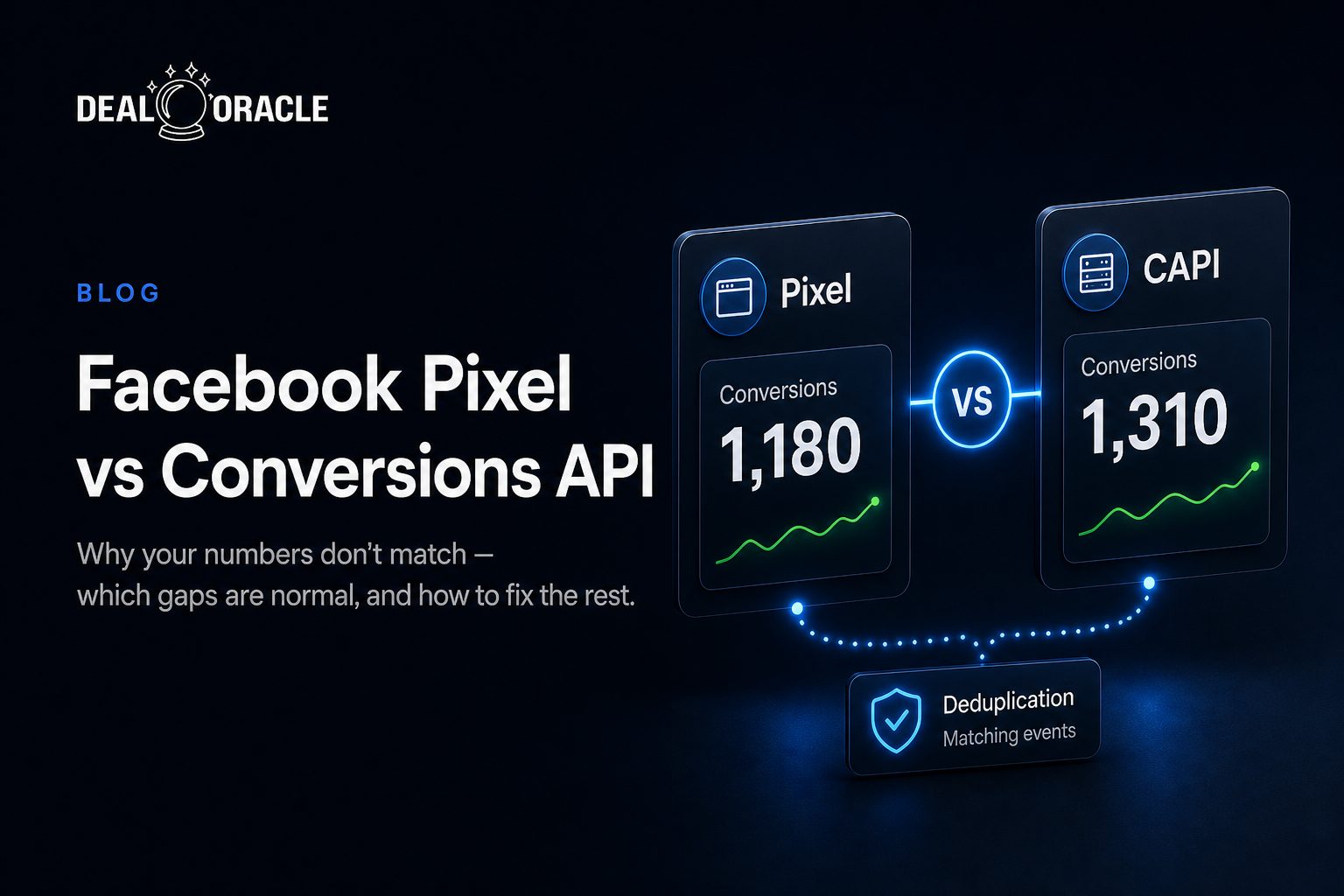
When you have both Facebook Pixel and Conversions API running (which you should for redundancy), the same conversion can be tracked twice:
- Once by the browser-side pixel
- Once by the server-side CAPI
Facebook uses the deduplication key to recognize these as the same event and count it only once. Without it, you'll see inflated conversion numbers and poor optimization signals.
How DealOracle Solves This
DealOracle automatically handles event deduplication for you. When a conversion event is sent, DealOracle:
- Generates a unique event_id using a combination of timestamp, lead identifier, and a hash
- Includes the event_name parameter with the correct event type (Lead, Purchase, etc.)
- Captures fbc and fbp from the original form submission for accurate attribution
- Sends SHA-256 hashed PII (email, phone, name) for enhanced matching
Technical Details
Here's what a properly formatted event looks like when sent to Facebook:
{
  "event_name": "Lead",
  "event_id": "lead_abc123_1706400000",
  "event_time": 1706400000,
  "user_data": {
    "em": "sha256_hashed_email",
    "ph": "sha256_hashed_phone",
    "fbc": "fb.1.1706400000.IwAR3...",
    "fbp": "fb.1.1706400000.1234567890"
  },
  "action_source": "website"
}
Verifying Your Fix
After setting up DealOracle, verify your events in Facebook Events Manager:
- Go to Events Manager → Data Sources → Your Pixel
- Click on "Test Events" tab
- Look for events with status "Received" and "Matched"
- Check the "Deduplication" column - it should show "Deduplicated" for events with matching browser events
Conclusion
The "Missing Deduplication Key" error is easily solved with proper server-side tracking setup. DealOracle handles all the technical complexity automatically, so you can focus on running campaigns while achieving 95%+ match quality.
Best Practices
- Always capture fbc and fbp cookies on your landing pages
- Send events within 7 days of the user action for best match rates
- Include as much user data as possible (email + phone + name)
- Monitor your Event Match Quality score in Events Manager