
Why TikTok Events API?
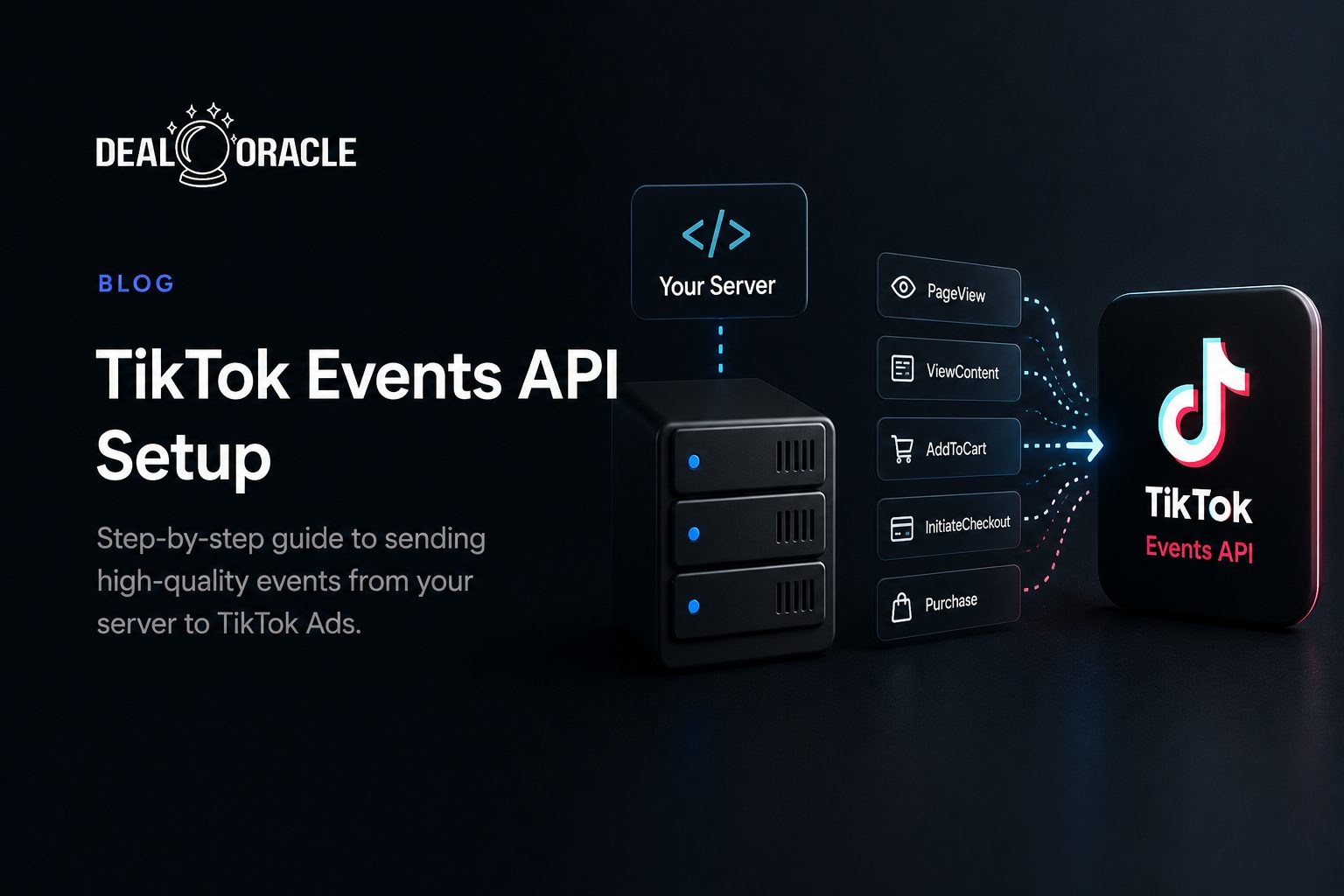
TikTok Events API is TikTok's server-side tracking solution, similar to Facebook's Conversions API. It allows you to send conversion data directly from your server to TikTok, bypassing browser-based limitations.
Benefits
- Better data accuracy with server-side tracking
- Improved ad performance through optimized signals
- Reduced impact from iOS 14+ and ad blockers
- More reliable attribution for offline conversions
Prerequisites
Before setting up TikTok Events API, you'll need:
- TikTok Ads Manager account
- TikTok Pixel installed on your website
- Access token from TikTok for Events API
- A way to send server-side events (DealOracle or custom code)
Step 1: Get Your Access Token
- Log into TikTok Ads Manager
- Go to Assets → Events
- Select your pixel
- Click "Settings" → "Events API"
- Generate an access token
- Copy and save the token securely
Step 2: Capture the TikTok Click ID (ttclid)
When users click your TikTok ads, they arrive with a ttclid parameter. Capture this in a hidden form field:
<input type="hidden" name="ttclid" id="ttclid" />
<script>
  const params = new URLSearchParams(window.location.search);
  document.getElementById('ttclid').value = params.get('ttclid') || '';
</script>
Step 3: Configure Events in TikTok
Set up the events you want to track:
- ViewContent - When someone views a page
- SubmitForm - When someone submits a form
- Contact - Phone call or message
- CompleteRegistration - Account signup
- CompletePayment - Purchase completed
Step 4: Connect with DealOracle
- In DealOracle, go to Integrations → TikTok
- Click "Connect with TikTok"
- Enter your pixel ID and access token
- Select which events to send
- Save and test the connection
Event Payload Structure
Here's what a TikTok Events API request looks like:
{
  "pixel_code": "YOUR_PIXEL_ID",
  "event": "SubmitForm",
  "event_id": "unique_event_id_123",
  "timestamp": "2026-01-25T10:30:00Z",
  "context": {
    "user_agent": "Mozilla/5.0...",
    "ip": "203.0.113.195"
  },
  "user": {
    "email": "sha256_hashed_email",
    "phone": "sha256_hashed_phone",
    "ttclid": "E.C.P..."
  },
  "properties": {
    "contents": [{
      "content_type": "product",
      "content_id": "lead_form"
    }]
  }
}
Testing Your Integration
Use TikTok's Test Event Tool
- Go to Events Manager → Your Pixel → Test Events
- Send a test event from DealOracle
- Verify the event appears in the test tool
- Check the match quality indicators
Verify in Events Overview
After 24-48 hours, check your Events Overview to see:
- Event count and trends
- Match quality score
- Data discrepancies
Best Practices
1. Send Both Pixel and API Events
For redundancy, use both TikTok Pixel (browser-side) and Events API (server-side). Use the same event_id for deduplication.
2. Include User Agent and IP
TikTok uses these for additional matching. DealOracle captures these automatically.
3. Hash PII Correctly
All personally identifiable information must be SHA-256 hashed before sending. Format emails and phones consistently.
4. Send Events Promptly
Events sent within an hour of occurrence have the best match rates.
Troubleshooting
Events Not Appearing?
- Verify your access token is valid
- Check the pixel ID matches
- Ensure event names match TikTok's standard events
Low Match Quality?
- Capture ttclid on all landing pages
- Send more user data (email + phone)
- Include user agent and IP address
Conclusion
TikTok Events API is essential for advertisers serious about TikTok marketing. With DealOracle, setup takes minutes, not days, and you'll see improved match quality immediately.
Want the managed version of everything above? See how DealOracle sends TikTok Events API conversions straight from your CRM, with click ID capture, SHA-256 hashing and deduplication handled for you.