Key takeaways
- Your landing page URL carries the campaign tags and the click code. Your form sends name, email and phone. The URL is not a form field, so it never goes. - This is a collection problem, not a reporting problem. Another dashboard cannot show you data you never captured. - The fix is a hidden field per tag, filled from the URL when the page loads. Most builders have a toggle; a six-line script covers the rest. - Field names must match the URL tags exactly. When it fails, it is almost always the names. - Test it in under a minute: add fake tags to your own URL, submit, and look for them on the lead.
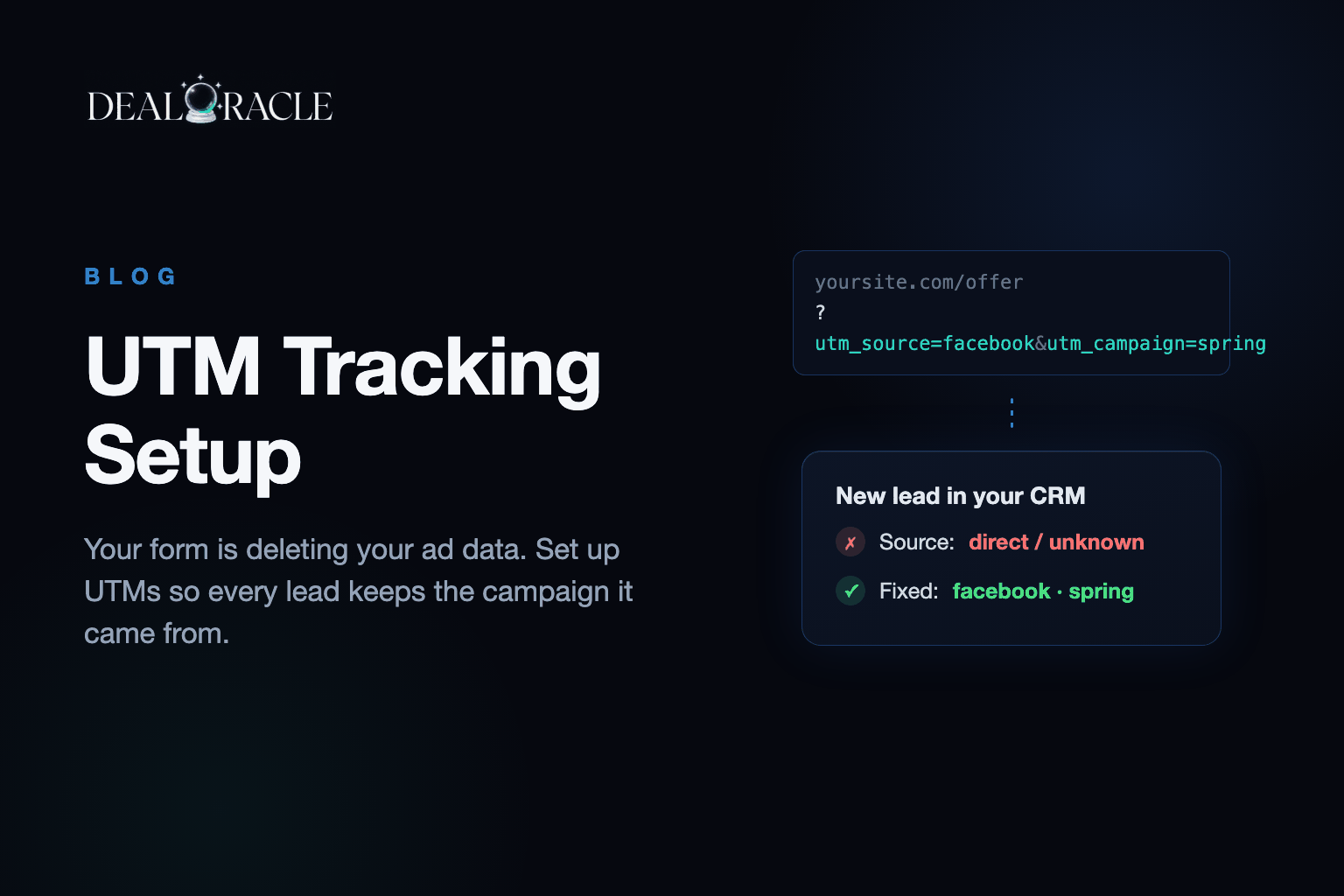
Someone clicks your ad. Before your page even loads, the ad platform adds a click code to the URL, and your campaign tags are already there. That value lives exactly as long as that person sits on the page. They fill in your form, hit submit, and the browser sends your form fields to your CRM.
The URL is not a form field. So it never goes.
The Problem
Watch what people do when every lead in the CRM says 'direct'. They go shopping for a better dashboard. Another tool gets connected. A report breaks leads down by source, and every row still says direct. So they blame the tool.
The tool is fine. It is showing you everything it was handed, and it was handed nothing. Fix the collection and the reporting fixes itself.
What to Capture
Two families of tags ride along on the URL.
UTM tags tell you the campaign. Three carry almost all the weight: utm_source, utm_medium and utm_campaign. Add utm_content and utm_term if you split-test creative or bid on keywords.
Click codes tell you the exact click. Each platform has its own: gclid for Google, fbclid for Meta, ttclid for TikTok, msclkid for Microsoft. The click code is what lets a platform join a later sale back to the ad, which makes it the single most valuable value on the page.
You do not need all of them. Capture the click codes for the platforms you actually run, plus the three core UTM tags.
| Field name | What it tells you | Example |
|---|---|---|
| utm_source | Where the traffic came from | facebook, google, newsletter |
| utm_medium | The type of traffic | cpc, email, social |
| utm_campaign | Which campaign | spring-offer, brand-search |
| utm_content | Which ad or creative | video-a, carousel-2 |
| utm_term | Which keyword | roof-repair-near-me |
| gclid | Google's click code | Cj0KCQjw... |
| fbclid | Meta's click code | IwAR2... |
| ttclid | TikTok's click code | E.C.P... |
How to Set It Up
1. Add a hidden field for every tag on your list
Open your form builder and add a hidden field per tag. A hidden field is an input the visitor never sees; it just holds a value. Name each one exactly like the tag, character for character: utm_source, not UTM Source.
2. Fill them automatically
Some builders do this with a toggle, and you should use it when it exists. Leadpages calls it passing URL parameters to integrations. Instapage calls it pass-through URL parameters. Heyflow does it with variables sourced from the URL. On WordPress the free UTM Grabber plugin handles it without code.
If your builder has no toggle, the script below reads every tag in the URL and fills any hidden field with a matching name. Paste it into your page's header code and it works on any builder.
3. Test it
Add test values to your own page URL: ?utm_source=test&gclid=TEST123. Load the page and submit the form with your own name and a test email.
4. Check the lead
Open the lead and look at the columns. You should see test in the source and TEST123 in the click code. If they are blank, it is one of two things: your field names don't match the tags exactly, or the script isn't running and the toggle is off. It is almost always the names.
<script>
  (function () {
    var tags = new URLSearchParams(window.location.search);
    tags.forEach(function (value, key) {
      document.querySelectorAll('input[name="' + key + '"]').forEach(function (el) { el.value = value; });
    });
  })();
</script>
One rule for funnels
Multi-step funnels lose the URL between steps, and a form embedded from another service cannot read the page around it. For those, save the tags in a cookie on the first page and fill the hidden fields from the cookie instead of the URL. The GoHighLevel guide covers that setup step by step.
How DealOracle Handles This
If you would rather not add hidden fields to every form you own, that is what the DealOracle pixel does. You install it once on the site. It picks up the click codes and the UTM tags on its own, with no per-form setup, holds them across multi-step funnels, and the values show up in Lead Manager next to the lead. You can flip the whole account between first click and last click from the same screen.
Bottom Line
You do not have a reporting problem. You have a collection problem, and it takes about five minutes per form to fix. Add a hidden field per tag, fill it from the URL, match the names exactly, and test with fake values before you trust it. Once the click code arrives with the lead, everything downstream, from CRM reports to sending sales back to the ad platform, finally has something to work with.